I accidentally emptied the Recycle Bin on my Windows PC and realized important files were still in it. I’m looking for advice on the best place to ask for file recovery help, what recovery options might still work, and how to avoid making things worse before I try to restore the deleted files.
If your drive suddenly shows up as RAW, I would slow down before trying random fixes. I’ve seen people run CHKDSK, click format, then end up with a worse mess than the one they started with. Sometimes a RAW volume is plain file system damage. Other times the drive itself is starting to fail. Those two cases do not get handled the same way, and mixing them up is how files go missing for good.
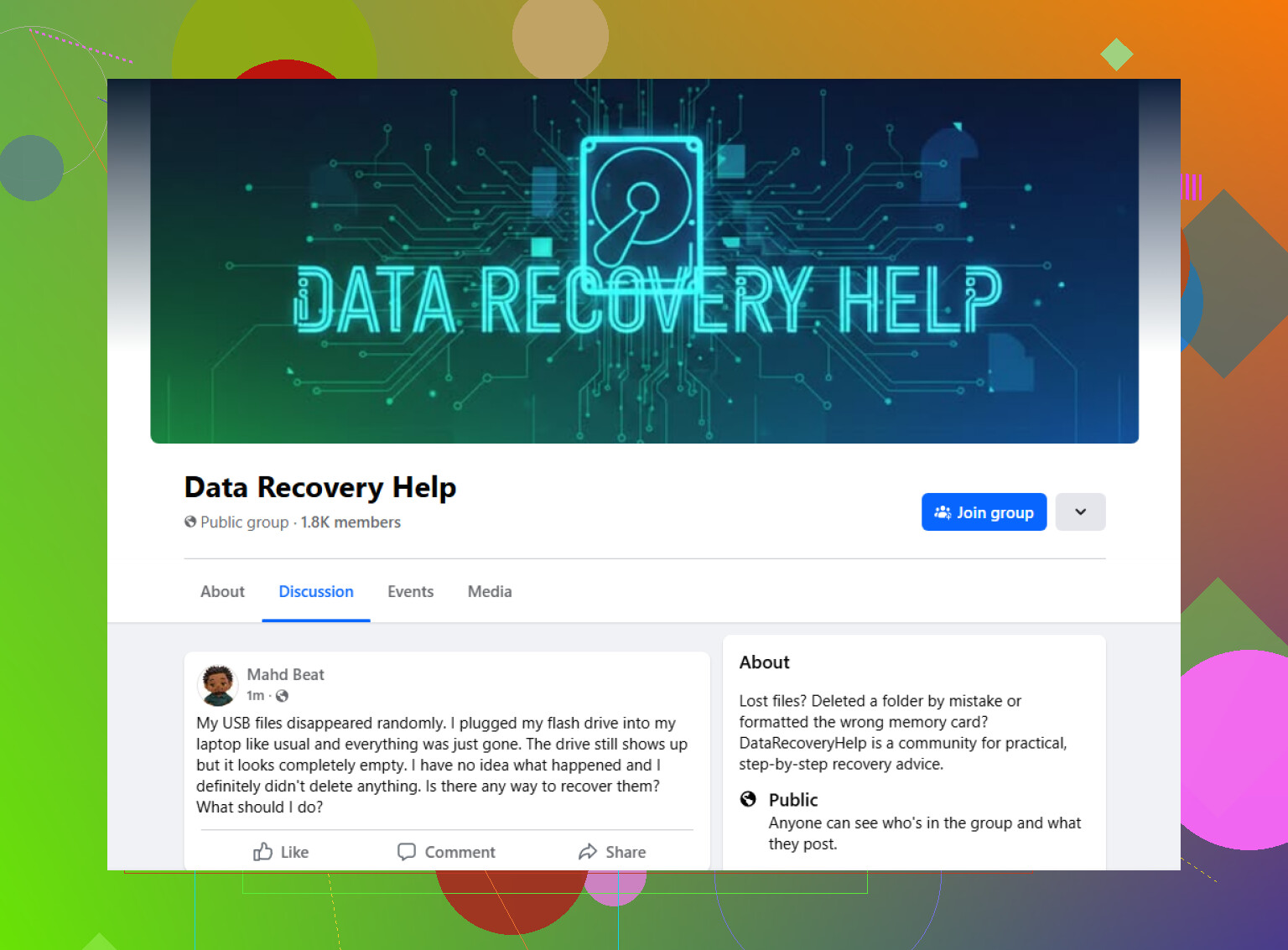
One place worth posting the case is here:
https://www.facebook.com/groups/datarecoveryhelp
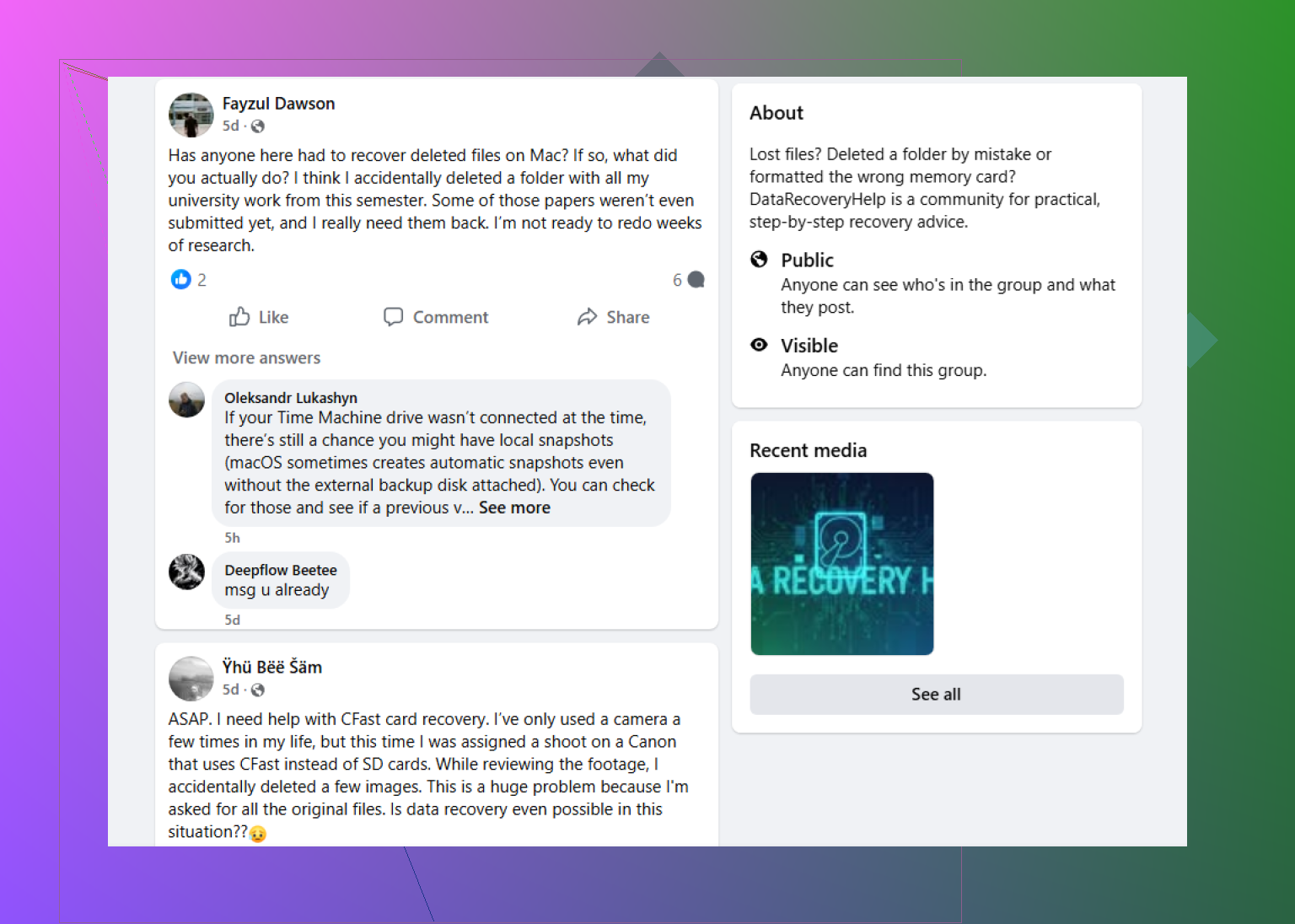
What helps in a recovery-focused Facebook group is the format. You can post screenshots, explain the timeline, and get replies from people who look at broken drives all the time. I’d take that over some generic guide telling you to run CHKDSK or reformat first. Those steps are fine if you only want the drive usable again. If your goal is getting your files back, those same steps might dig the hole deeper.
Reddit is worth a shot too, mostly for extra opinions. I’ve read some solid recovery advice there, and I’ve also seen people throw out risky commands with almost no context. So I’d treat Reddit like a filter, not a checklist. Read the replies, compare them, and do not rush into every suggestion because it got upvotes.
Old-school tech forums are still useful, especially the ones where people post SMART logs, Disk Management screenshots, partition layouts, and scan results from recovery tools. Those places tend to get more technical, which helps if your case is messy and you need someone to read the signs instead of guessing.
Wherever you ask, include the stuff people need right away:
What to include
- Drive type, HDD, SSD, USB external, SD card, etc.
- Capacity
- File system, if you know it
- Your operating system
- What happened right before it turned RAW
- Whether the drive still shows the correct size
- Any odd sounds, clicking, beeping, spin-up issues
- Everything you already tried
If you leave out the basics, people end up guessing. If you post the details first, you usually get better answers faster. That part matters more than people think.
6 Likes
If you emptied the Recycle Bin, stop using the PC first. Every new file write lowers your odds, esp on the same drive.
Best places to ask:
Reddit data recovery help for deleted files
The data recovery community is solid for this kind of case. You’ll get people who know the diff between HDD and SSD recovery, which matters a lot.
I partly disagree with @mikeappsreviewer on one thing. Facebook groups are fine, but Reddit threads are easier to search later, and older recovery cases are easier to compare. For deleted Recycle Bin files, pattern matching helps.
What still works depends on the drive:
- HDD, better odds if you stop use fast.
- SSD, worse odds because TRIM often wipes deleted blocks.
- External HDD or USB, mixed results.
- OneDrive synced folders, check OneDrive recycle bin too.
Practical options:
- Restore from File History, OneDrive, backup software.
- Run recovery software from another drive, not the one with deleted files.
- Save recovered files to a different disk.
Tools people often ask about include Recuva, R-Photo, DMDE, and R-Studio. If the files matter a lot, skip home tools and go to a pro lab before you overwrite stuff by accident. Time matters here, alot.
If you already emptied the Recycle Bin, the best place to ask is a recovery-specific forum, not a general Windows help space where ppl just shout “use Recuva” and move on. I’d post in the Reddit data recovery community for deleted file help because cases like this need context, not canned replies.
Small disagreement with @mikeappsreviewer and a bit with @sternenwanderer too: where you ask matters less than how clearly you describe the situation. A perfect post on a mid-size forum beats a vague post on a huge one.
For emptied Recycle Bin cases, the most useful extra details are:
- Was it your C: drive or another drive?
- SSD or HDD
- Did Windows install updates or download stuff after deletion?
- Were the files local only, or from OneDrive/Desktop/Documents sync folders?
- Exact file types, docs, photos, videos, project files
- About how long ago it happened
One thing I’d add that they didn’t really stress: check app-level history before file carving. Office autosave, Adobe cloud history, Steam save sync, Dropbox version history, browser download history, even temp export folders. A surprsing number of “deleted” files still have traces somewhere else.
Also, if the files were deleted from an SSD, don’t get false hope from long software scan lists. Sometimes tools show filenames but the data is already zeroed or trimmed. That’s why people think recovery “worked” until they open the file and it’s junk.
Best recovery path in order, imo:
- Cloud/version history
- Backup/image/history tools
- Recovery software from another disk
- Professional lab if the files are worth real money
If you post for help, include screenshots of Disk Management and say what you have and have not installed since the deletion. That saves a lot of back-and-forth, tbh.
For anyone searching later: Best place to ask about recovering files after emptying the Recycle Bin is a focused data recovery community where you can get drive-specific advice for SSD, HDD, USB, and OneDrive-related deletions.
I’d ask in a data recovery community before doing anything else, but I slightly disagree with @sternenwanderer and @waldgeist on one point: people focus a lot on tools, when the first fork in the road is actually how valuable the files are. If they’re business, legal, family photos, or irreplaceable project files, a public forum should be used for diagnosis only, not experimentation.
Pros of a data recovery community
- People can spot when DIY is still safe
- Good at reading clues from screenshots and symptoms
- Usually faster feedback than generic Windows forums
- Better at telling SSD vs HDD expectations realistically
Cons
- Advice quality can vary a lot
- Some replies push favorite tools too quickly
- You may get conflicting recommendations
- DIY success stories can make risky cases look easier than they are
Where I part ways a bit with @mikeappsreviewer too: Facebook-style help can be useful, but for deleted Recycle Bin cases I’d rather use a place where replies stay structured and searchable.
What I’d do before posting:
- Check whether the files were in a synced folder with version history
- Check recent app lists, temp export folders, and email attachments
- Note the exact drive model, SSD/HDD, and whether the deleted files were on the system drive
- Avoid reboot loops, installs, updates, and browser downloads
Best kind of post:
- “Emptied Recycle Bin”
- Drive type
- Time since deletion
- What has been written to the disk since
- File types and approximate sizes
That gets you useful triage instead of generic “run a scan” answers.