I accidentally deleted photos and videos from my SD card, and now I’m trying to recover them without spending a lot. I need affordable SD card recovery software that actually works and is safe to use because some of these files are important and not backed up. Looking for low-cost or free data recovery options for SD cards.
I know the panic. I did the same dumb thing once, wiped an SD card in-camera, then sat there staring at the screen like it might undo itself. If the card is still detected and not physically wrecked, recovery software is usually your best shot.
First, stop touching the card.
Do not shoot more photos. Do not record video. Do not copy anything onto it. New data writes over old data, and once that happens, your chances drop fast.
Second, if your camera or computer asks to format the card, do not approve it. I ignored one of those prompts years ago and made the mess worse. Put the card aside. When you’re ready, use a proper card reader on your computer instead of working through the camera.
Here’s what I’d look at.
This is the one I’d hand to most people first, mostly for photo and video recovery. The layout is easy to figure out, you get file previews before paying, and it handles RAW formats like CR2, NEF, and ARW. The part I’d pay attention to is its Advanced Camera Recovery mode. That helps with fragmented video from GoPros, DJI drones, mirrorless cameras, and similar gear. On Windows, it also gives you up to 100 MB free for recovery.
- PhotoRec
No-cost option, and it works. Open source too. I’ve seen people pull back a lot of files with it. The catch is the interface feels old and blunt, and you usually lose the original names and folder layout. So instead of neat recovery, you end up sorting a heap of renamed files by hand. If you’ve got time and patience, fine. If not, it gets annoying fast.
- R-Studio / UFS Explorer
These are more serious tools. Plenty of control, plenty of depth. I would not point a casual user there first unless they’re comfortable with recovery software and file system stuff. Easy to get lost in the options.
If you want the least painful route, I’d start with Disk Drill. The big reason is the video side. SD cards from cameras and drones often store video in fragmented chunks. A lot of recovery apps find pieces of those files but spit out broken clips or footage players refuse to open. Rebuilding those fragments into something usable matters a lot more than people think.
One more rule. Never recover files back onto the same SD card. Save them to your computer’s internal drive or another external drive. If you write recovered data onto the same card, you risk overwriting other files you haven’t pulled off yet.
Also, if the card disconnects, throws errors, or looks unstable, make a byte-for-byte image first and scan the copy instead of the card itself. I learned this one late. A flaky card tends to get worse the more you poke at it.
So, slow down a bit. Put the card in a reader. Scan it. Preview what shows up. Recover to a different drive. That’s the safest path I know.
12 Likes
If you want cheap and safe, I’d split it like this.
Best budget pick, Disk Drill. It’s easier for normal people, previews files well, and it tends to do better with camera photos and a lot of video formats than the bargain-bin apps. I don’t fully agree with @mikeappsreviewer on one point though. I would not jump to heavier tools early unless the first scan looks bad. More options does not mean better results for most users. It often means more ways to mess up.
Cheapest solid option, Recuva. Old, simple, low cost. Good for basic JPG, MP4, MOV recovery. Less great if your SD card came from a drone, GoPro, or if files are fragmented.
Free option, Windows File Recovery if you’re on Windows and don’t mind command line. It’s ugly, but free is free. Test it only if you’re patient.
Avoid random “free recovery” apps with fake scan results. A lot of them show your files, then block recovery or install junk. If you want one paid app, Disk Drill is the safer bet imo.
Also, this is worth watching if you want a quick rundown of SD card recovery tools and what they do:
best SD card recovery software video walkthrough
My order would be:
- Disk Drill
- Recuva
- Windows File Recovery
Recover to your PC, not back to the card. Sounds obvious, but ppl still do it.
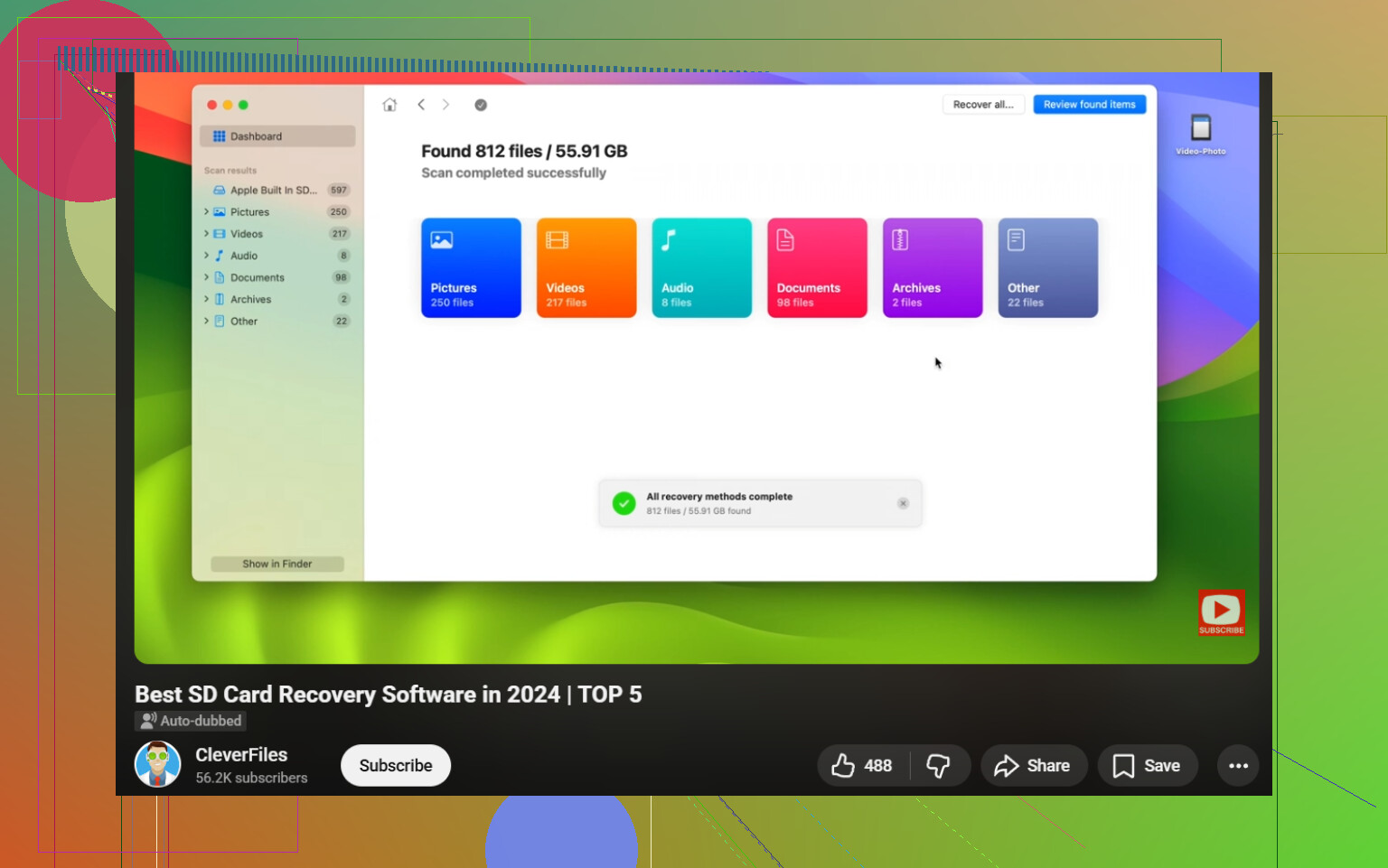
I’d add one option neither @mikeappsreviewer nor @suenodelbosque really leaned on much: DMDE.
If you want cheap SD card recovery software that’s actually legit, DMDE is kind of the sleeper pick. It’s not pretty, and the interface feels like it was designed during a coffee shortage in 2006, but it can recover deleted files well and the paid version is usually way less expensive than the big-name apps. For people on a tight budget, that matters.
My take:
- Disk Drill = best if you want simple, safe, and less headache
- DMDE = best if you want low cost and can tolerate a nerdier UI
- PhotoRec = free, powerful, but messy as heck
- Recuva = fine for basic cases, but I think people oversell it for SD cards with lots of video
I slightly disagree with the “just use the free stuff first” mindset. Sometimes cheaping out too hard costs more time, and time is kinda the whole game with deleted media. If the files are important, I’d rather use something like Disk Drill SD card recovery first because the preview feature helps you see whether the files are actually recoverable before you throw money or hours at the problem.
Also, if the card is acting weird, making an image of it first is smarter than repeated rescans. That part I fully agree with.
For more real-world tips, this thread on SD card recovery software advice from the community is worth a look.
Biggest rule: recover to another drive, not back to the SD card. People still do that and then wonder why stuff vanished lol.
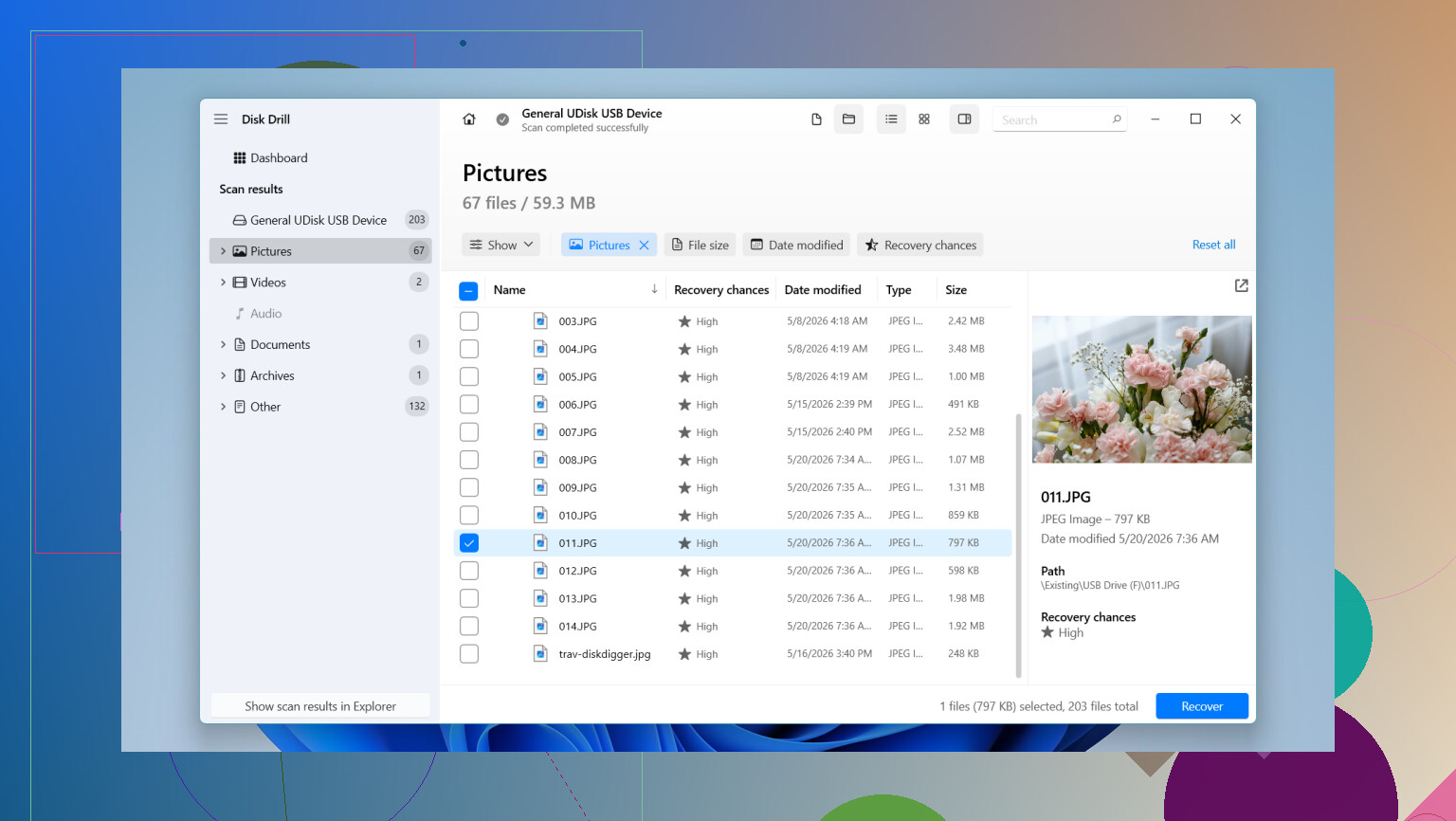
I’d split this a bit differently than @suenodelbosque, @sterrenkijker, and @mikeappsreviewer.
If your deleted files are mostly photos plus a few normal camera videos, I’d try Disk Drill first, not because it’s the cheapest, but because it’s the best balance of price, safety, and “I don’t want to fight the software.”
Disk Drill pros
- clean interface
- good preview support before recovery
- solid with common photo formats and many video types
- less sketchy than a lot of bargain recovery apps
Disk Drill cons
- not the absolute cheapest option
- free recovery limit on Windows is small
- deeper tools still beat it for edge-case forensic work
Where I slightly disagree with the “start with the most advanced tool” crowd: for a normal deleted-SD-card case, that’s often overkill. More settings does not automatically equal more recovered files.
My budget ranking:
- Disk Drill if you want the safest easy paid option
- DMDE if you want cheaper but more technical
- PhotoRec if free matters more than convenience
One extra tip nobody should skip: if the SD card is old or flaky, check its SMART equivalent through the reader if possible, or at least copy an image of the card before scanning. Recovery software helps deleted files. It does not fix failing flash memory.
So, cheap and safe? Disk Drill is the one I’d actually trust a non-tech user with.