I accidentally deleted a large batch of family photos from my SD card and emptied the trash before I realized it. I’m looking for photo recovery software that actually works on Windows or Mac because these pictures aren’t backed up and they mean a lot to me. If you’ve used a reliable photo recovery tool for deleted photos from an SD card or hard drive, I’d really appreciate the help.
I’ve had to salvage lost photo shoots more than once, and the first move matters more than the app name on the box. Stop using the card or drive now. Eject it. Unplug it. Put it aside.
When a photo gets deleted, the file data usually stays put for a while. What changes is the index. The system marks the space as free, so new data writes over old data later. If you keep shooting, copying, exporting, or even poking around too much, you raise the odds of permanent loss. I learned this the hard way on an SD card from a wedding backup. I kept testing it in-camera. Bad call.
So for me, the order is simple.
First, protect the drive
Do not save anything new to it.
Do not format it again.
Do not run cleanup tools.
Do not install recovery software onto the same disk you want to recover from.
If the photos matter, use another computer or another system drive for the recovery app. Small step, big difference.
About the tools
I don’t think there’s one magic winner for every case. What worked for me depended on three things: how damaged the card was, how much mess I was willing to deal with, and whether I needed filenames and folders back.
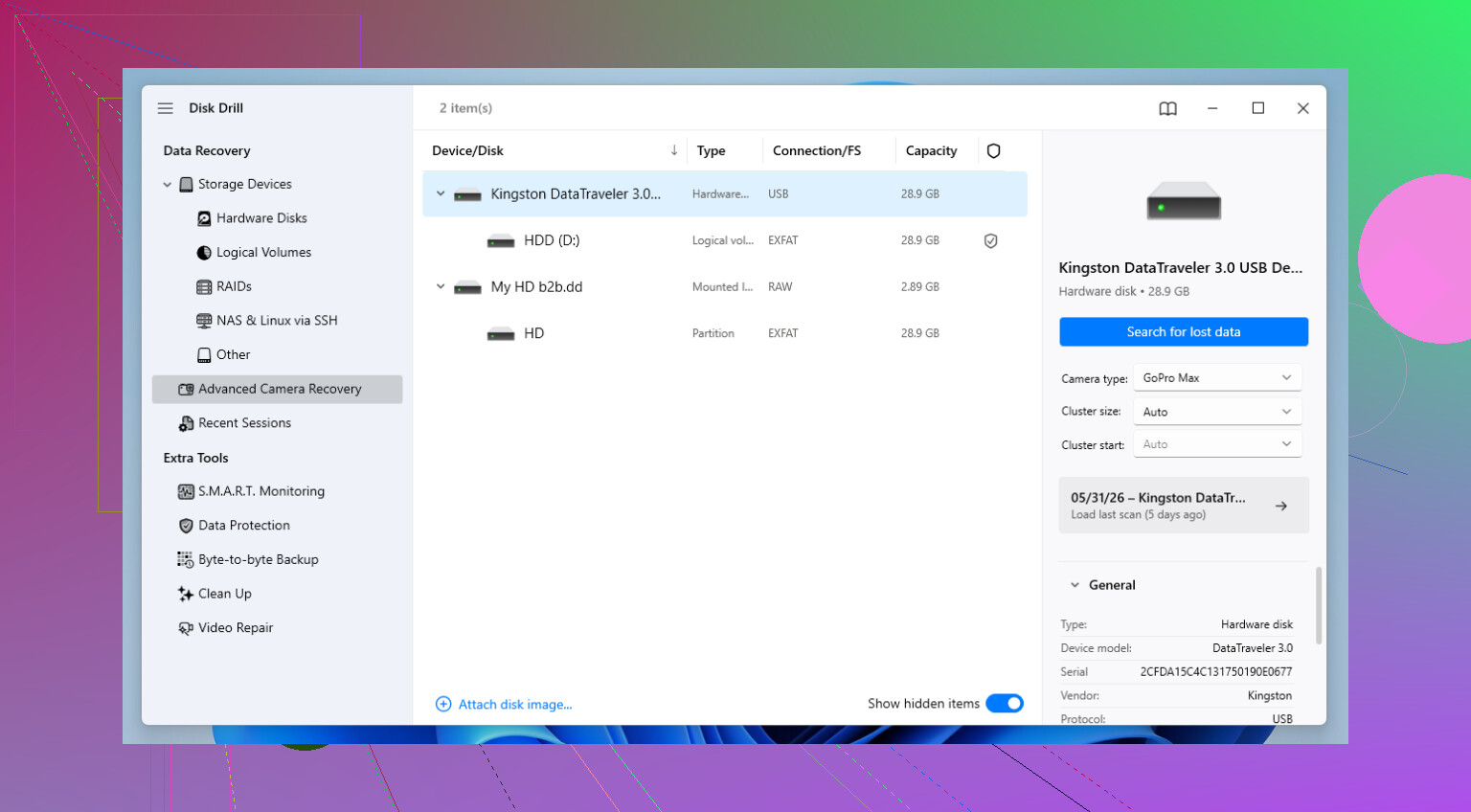
If I had to pick one I trust most often, I still reach for Disk Drill.
It feels less clunky than a lot of recovery apps, which matters when you’re already annoyed and tired. More important, it has done better for me with camera files, especially RAW formats like CR3, NEF, and ARW. On broken or fragmented media, some tools find files but hand back junk you can’t open. Disk Drill has been better than most at piecing those files together into something usable.
That part matters more than scan totals. A tool saying it found 3,000 files means nothing if half of them are corrupt.
The annoying part with Disk Drill
The free recovery cap is small on Windows, 100 MB. So no, it won’t pull back a full card for free. What I used it for was scanning, previewing, and checking whether the important files were intact before paying for anything. For triage, it did the job.
If you want free options
Two names come up for a reason: PhotoRec and Recuva. I’ve used both. They’re useful, but each has baggage.
PhotoRec
PhotoRec goes after raw file signatures instead of relying on the file system. This helps when the card is trashed enough your computer barely sees it, or not at all. I’ve seen it pull images off media other tools skipped.
The catch is the workflow. It’s ugly. No gallery. No smooth sorting. No original filenames or folder layout. You often get a pile of files with names like f12345.jpg and then you spend your evening opening stuff one by one. If your goal is brute-force recovery, it’s solid. If your goal is convenience, nope.
Recuva
Recuva is easier. A lot easier. On Windows, it’s one of the quickest things to try if you deleted files recently and the drive is still healthy. For the ‘oops, I hit delete ten minutes ago’ kind of problem, I’ve had decent luck with it.
Once corruption enters the picture, or after a quick format, I stop expecting much. It misses things deeper tools pick up. I wouldn’t call it bad. I’d call it limited.
What I’d do in your spot
- Stop using the card or drive.
- Connect it read-only if you know how, or at least avoid writing to it.
- Run a scan with Disk Drill first.
- Use preview to check whether the files open cleanly.
- If the scan looks weak, try PhotoRec next.
- If this was a fresh delete on a healthy Windows drive, try Recuva early.
Preview matters a lot. I’ve seen tools list files as recoverable, then spit out broken images. If the preview works, your odds are better.
Final take
Each loss case is its own mess. Card brand, filesystem, camera model, quick format vs delete, all of it shifts the result. So I wouldn’t marry one tool before testing. I’d scan with a couple, compare previews, and pick the one giving you intact files, not the one with the prettiest report.
If your shots are important, treat the card like evidence. Touch it less, scan from another drive, and don’t keep retrying random fixes. That part decides more than people think.
16 Likes
I’d put Disk Drill near the top for this. I’ve used it on both Windows and Mac, mostly for SD cards and USB drives, and it did a better job with photo previews than a lot of the old free tools. For family photos, preview matters more than scan count. If the preview opens, your odds are beter.
I disagree a bit with @mikeappsreviewer on one thing. Recuva is fine for simple deletes, but I would not spend much time there if the photos came from an SD card used in a camera. PhotoRec digs deeper, but the file names and folders are a mess. If you want the fastest path with the least friction, Disk Drill is the one I’d try first.
My quick ranking:
- Disk Drill, best mix of ease and results
- PhotoRec, strong recovery, ugly workflow
- Recuva, okay for easy cases on Windows
If you want a solid explainer, this covers the best tools for recovering deleted photos from SD cards and drives, best photo recovery software for deleted pictures
One more thing, recover the files to a different drive. Not the same SD card. That part trips pepole up a lot.
I mostly agree with @mikeappsreviewer and @espritlibre, but I’d add one thing: don’t judge recovery apps by how many files they “find.” Judge them by whether the previews are actually usable and whether they recover the image metadata decently. That’s where a lot of free tools fall apart.
If you want something that works on both Windows and Mac without feeling like a science project, Disk Drill is probly the first one I’d try. Not because it’s magic, just because it tends to be less annoying and better at sorting through SD card recoveries than a lot of the older stuff. I’ve seen it do better with mixed batches of JPG + RAW where some other apps gave me either corrupt junk or 900 duplicate thumbnails. Super helpful, right?
I’m a little less high on PhotoRec than they are, honestly. Yes, it can dig deep, but for family photos most people don’t want a giant pile of mystery files dumped into folders with weird names. If this is a normal accidental delete and the card itself isn’t dying, I’d rather start with Disk Drill, then only go to PhotoRec if the first scan comes up weak.
Also, if the SD card is acting flaky, make an image of the card first and scan the image instead of hammering the card over and over. That’s the part people skip, then wonder why recoverey gets worse.
If you want a decent roundup of photo recovery software recommendations, this is worth a look:
best software for recovering deleted photos from SD cards and hard drives
Short version:
- Disk Drill: easiest solid option for Windows/Mac
- Recuva: fine for basic Windows undelete
- PhotoRec: powerful, ugly, messy results
And yeah, recover to a different drive. Saving back to the same SD card is how people turn “maybe recoverable” into “welp.”
One thing I’d add to what @espritlibre, @ombrasilente, and @mikeappsreviewer said: if the photos were deleted from the SD card while it was still in the camera, recovery odds can be worse than a straight desktop delete, because some cameras immediately reuse space more aggressively. So I would not spend hours comparing five apps. I’d do one serious scan first.
For that, Disk Drill is a solid pick.
Pros of Disk Drill
- Works on both Windows and Mac
- Good preview support, which is way more useful than inflated file counts
- Handles common photo formats well, including RAW in many cases
- Cleaner interface than most recovery tools
Cons of Disk Drill
- Free recovery is limited on Windows
- Deep scans can take a while
- Sometimes shows duplicates or fragments, so results still need sorting
Small disagreement with the usual advice: I would skip Recuva entirely if this was an SD card from a camera and not a normal PC folder delete. It’s fine for simple cases, but camera card recovery is a different animal.
My order would be:
- Disk Drill
- If the card seems unstable, clone/image it first
- Only then try a deeper raw-carving tool if needed
And yes, recover to a different drive, not back onto the card. That mistake kills recoverable photos fast.