I accidentally formatted my GoPro memory card and lost important videos from a recent trip. I stopped using the SD card right away because I do not want to overwrite anything. Is there a safe way to recover deleted GoPro footage after formatting, and what recovery software or steps give me the best chance of getting the files back?
Yeah, that sucks. I’ve had an SD card scare like this, and the first move is simple. Stop using the card now.
Don’t shoot more clips. Don’t format it. Don’t run repair stuff yet. On these cards, deleted GoPro footage often sits there until new data lands on top of it. If you keep recording, your odds drop fast.
Check these first
- If you pay for a GoPro subscription, sign in and look through your cloud Media Library and the Trash folder.
- Put the card back in the GoPro and see whether the camera offers its own repair prompt.
- Browse the card for LRV files. Those are the small preview copies. They’re low quality, sure, but I’ve seen them save a clip when the full file was toast.
If the files are gone from the card view
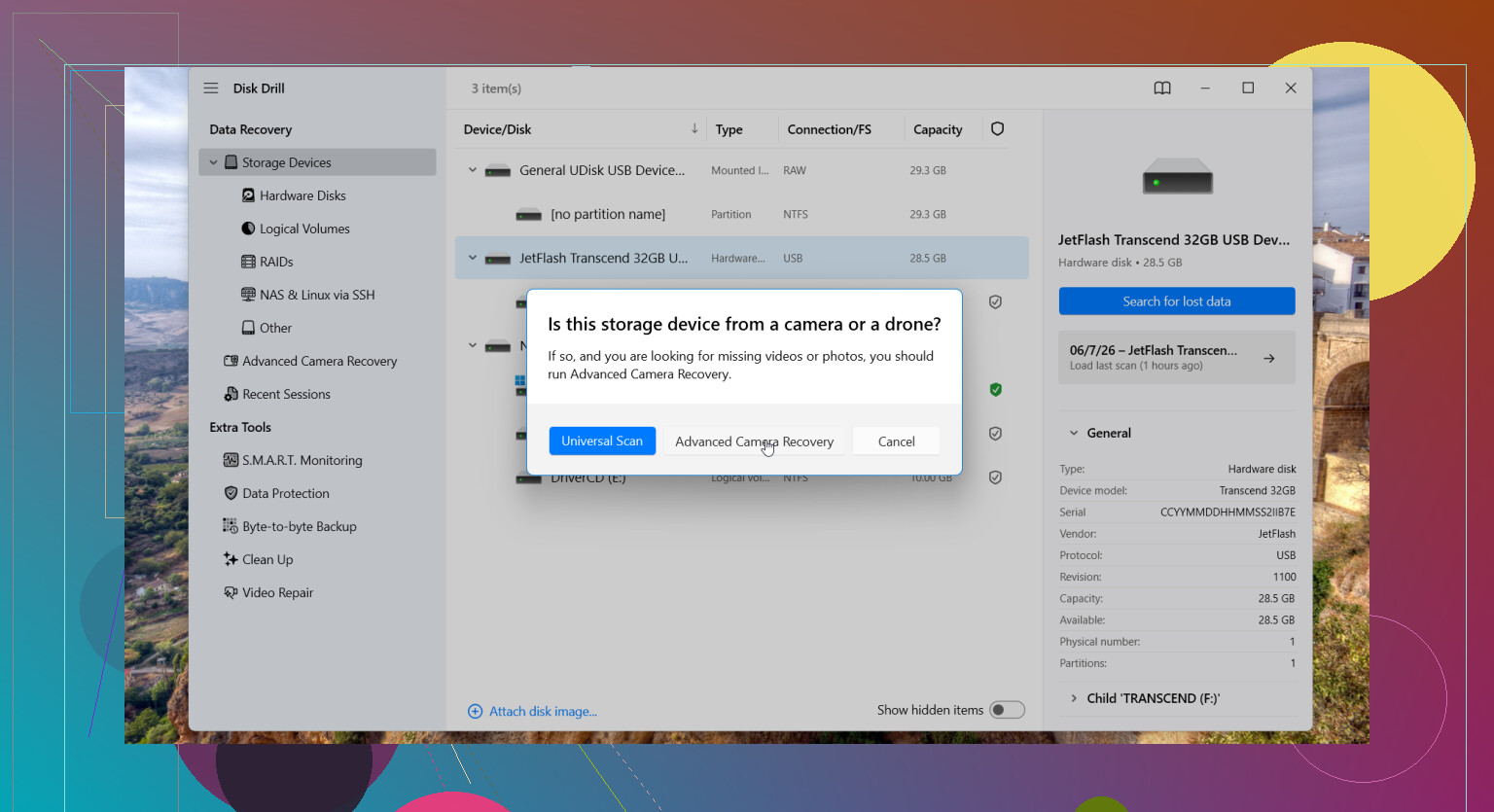
I’d try Disk Drill. I used it once on camera footage and it did better than I expected. The piece worth trying for GoPro stuff is its Advanced Camera Recovery mode.
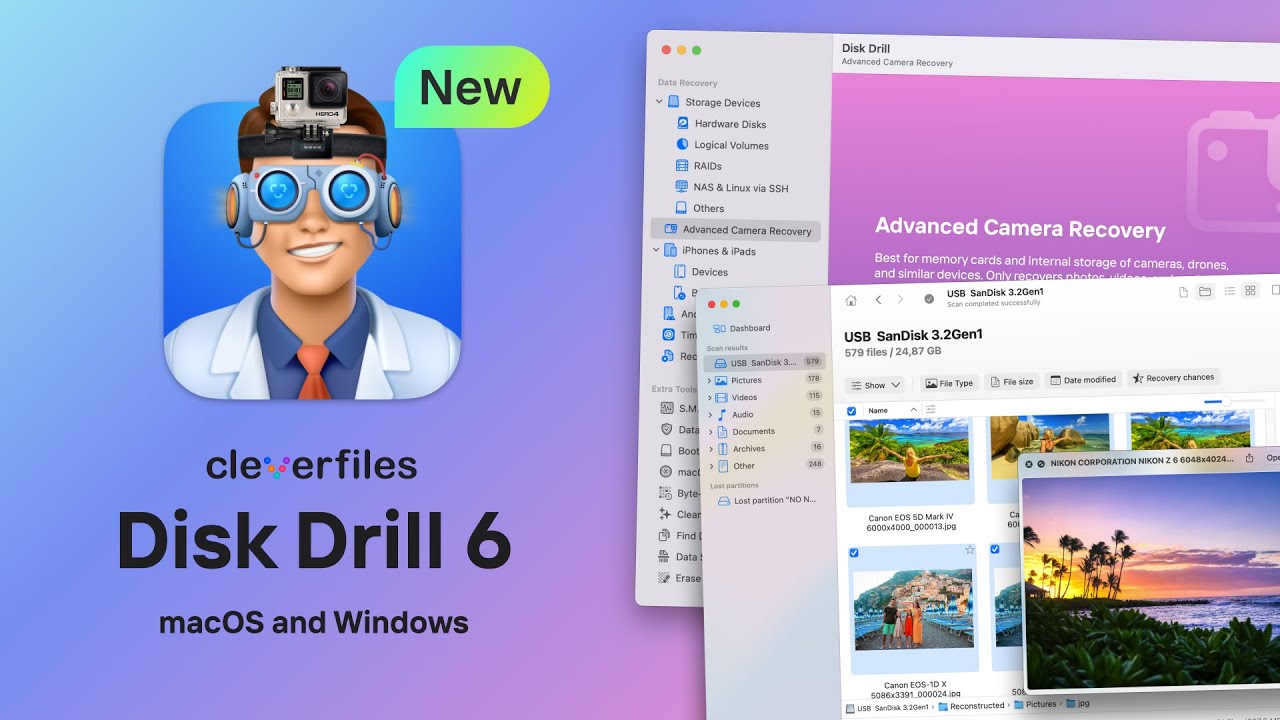
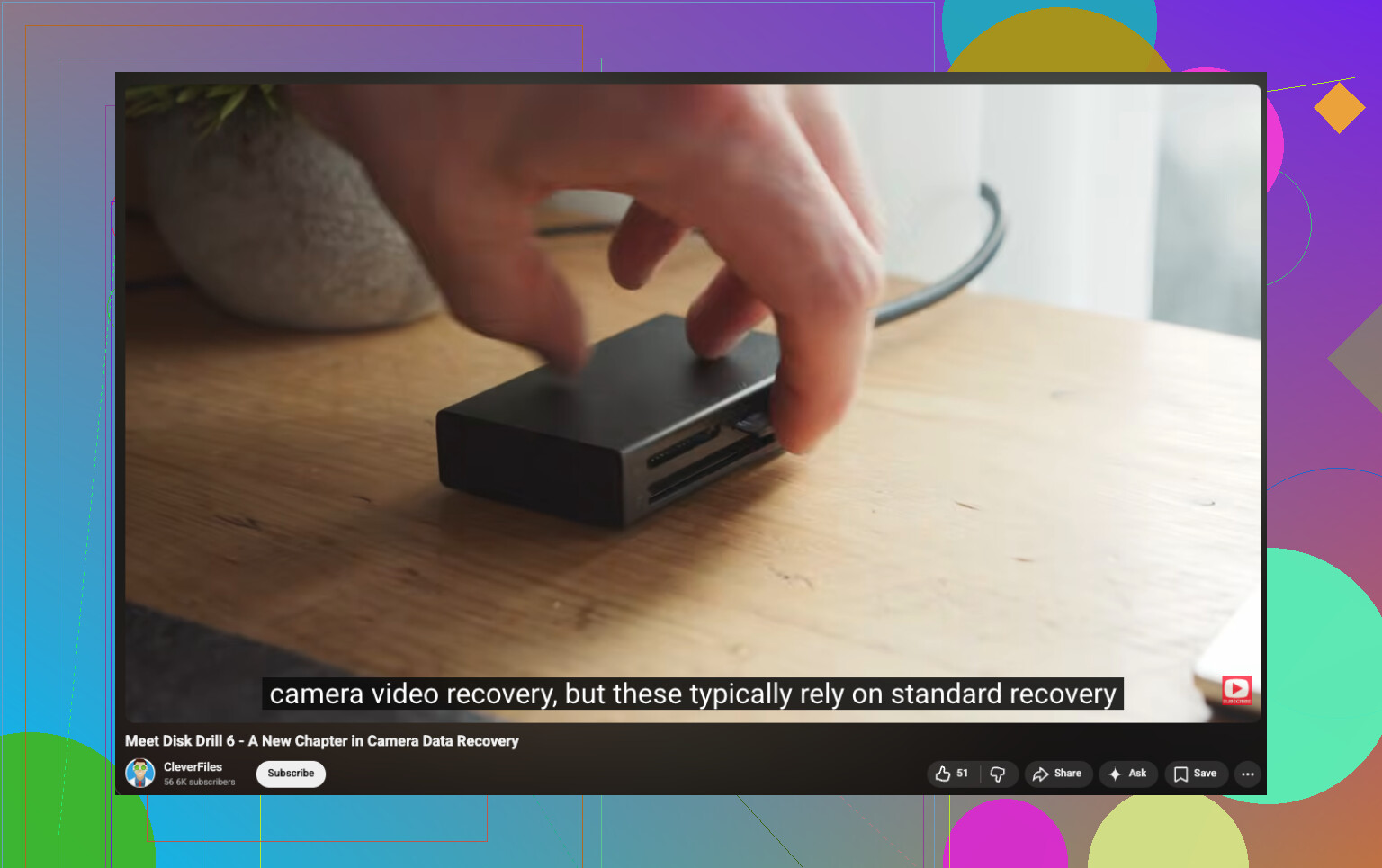
That mode matters for action cams because GoPro video files often end up scattered across the card in tons of fragments. Some recovery apps find pieces of the file, then fail when it’s time to rebuild the video into something playable. You end up with a clip that won’t open, freezes halfway through, or exports as garbage.
From what I saw, this mode is meant for devices like action cameras, drones, and dash cams, where fragmented recording is common. It supports GoPro formats like MP4 and LRV, which is the main reason I’d put it near the top of the list here.
Stuff I’d do during recovery
- Use a card reader. I trust that more than plugging the GoPro straight into the computer.
- Save recovered files to another drive. Don’t write anything back to the SD card.
- If the card throws errors, disconnects, or acts flaky, make a full byte-for-byte image first. Scan the image, not the original card.
If you haven’t recorded much since the videos vanished, you still have a decent shot. Not perfect. Still worth trying.
7 Likes
Yes, if the format was quick, your chances are still decent. GoPro and SD cards usually only clear the file index first. The video data stays until new footage overwrites it. Stopping use right away was the right move.
I agree with @mikeappsreviewer on one point, keep the card untouched. I disagree a bit on putting it back in the GoPro for prompts. I would avoid the camera now. Use a good USB card reader on a computer and keep the camera out of the loop.
What I’d do next.
-
Check the card health first.
On Windows, use a tool like H2testw only on a cloned image, not the original card. On Mac, check SMART if your reader exposes it. If the card is unstable, clone it first with something like USB Image Tool or ddrescue. -
Make a full image of the SD card.
This matters more than people think. Recovery software works better when you scan an image file, and you keep the original safe if the card starts dying mid-scan. If the card is 64GB, make a 64GB image. Boring step, but it saves people. -
Scan the image with recovery software built for video.
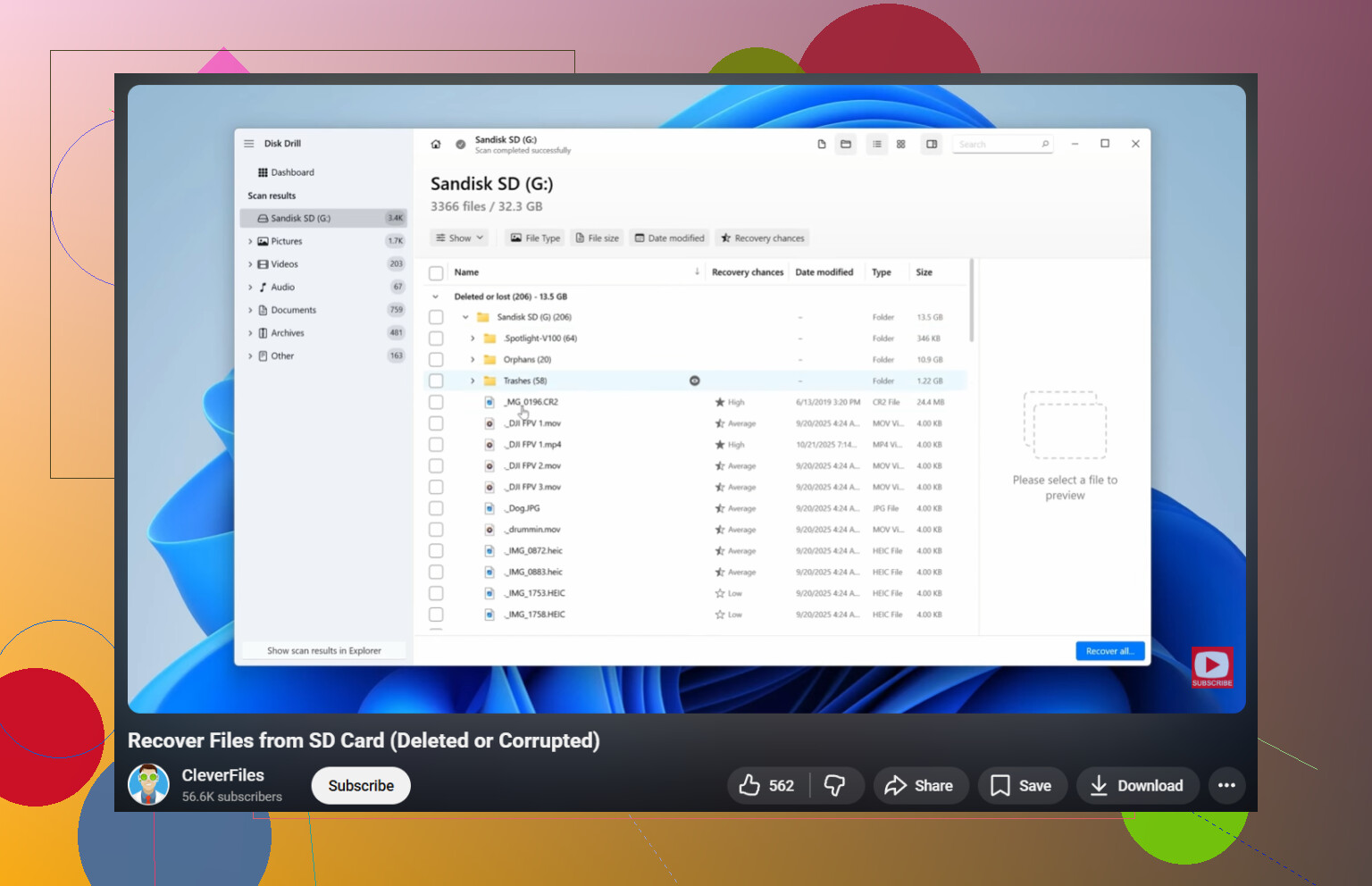
Disk Drill is a solid pick here, esp for action cam footage. GoPro files often get fragmented, and normal undelete tools miss parts of MP4s. If Disk Drill finds both .MP4 and .THM files, recover all of them to another drive, not back to the card. -
Check for repaired playback.
Some recovered GoPro MP4 files show the right size but won’t open. If that happens, try untrunc or a video repair tool using another clip from the same GoPro settings as a reference file. Same resolution and fps matters. -
Look for chaptered files.
GoPro often splits long recordings into chunks. If one file is gone, the next chapter might still be there. Search by date and size, not only filename.
This guide is worth a watch if you want a clean step by step on camera card recovery and restoring deleted GoPro videos, watch this camera SD card recovery tutorial for lost GoPro footage
One more thing people miss. A full format is worse than a quick format. If you used the GoPro’s normal format option, it is often still recoverable. If you formatted on a PC and wrote a new filesystem plus test files, odds drop fast.
So yes, recovery is still possible. Image the card first. Scan the image with Disk Drill. Save results elsewhere. If the footage is irreplaceable and the card starts disconnecting or clicking, stop and send it to a pro lab before you make it worse.
Yep, possibly. Stopping use of the card immediately was the smartest thing you could do.
I mostly agree with @mikeappsreviewer and @suenodelbosque, but I’m a little less sold on doing too many “checks” before recovery. Every extra mount, scan, or camera prompt is one more chance for the card to get touched in weird ways. I’d keep it super simple.
What I’d do differently:
- Lock the SD card if it has a physical write switch on the adapter
- Use a reader that does not randomly disconnect
- Run recovery from a computer only
- Recover to your hard drive, never back to the GoPro card
Also, don’t judge the result by filenames alone. GoPro clips often come back with generic names or no folder structure at all. Sort recovered files by size and preview them manually. A lot of people miss their footage because they expect the original naming.
If the format happened in-camera, recovery odds are usually better than people think. If you did a full format on a PC, yeah, that’s rougher. Still not impossible, just less clean.
Disk Drill is a reasonable choice here because it tends to do better with camera media than basic undelete apps. I’d also keep an eye out for .THM sidecar files and low-res proxy stuff, since those can help you identify which recovered MP4 belongs to which clip.
One more useful read if you want another real-world case: GoPro Hero 8 lost video recovery thread with practical fixes
So yes, safe way? Mostly yes. Safe means: no more use, no writing, recover to another drive, and don’t keep poking the card jusst to “see if it’s there.”
Yes, you can still recover GoPro videos after formatting, but I’d skip one thing some people suggested: I would not bother mounting the card over and over just to inspect folders or wait for a camera repair prompt. @suenodelbosque, @stellacadente, and @mikeappsreviewer are right about leaving the card unused, but in my view the safest path is fewer touches, not more.
A couple things people often miss with GoPro cards:
- GoPro footage may be in exFAT allocation leftovers, so a normal file browser showing “empty” means very little.
- Some recovered clips are actually fine, but the MP4 header is broken, so they look dead until repaired.
- If the card was formatted in-camera, recovery odds are usually better than if a computer did a long/full format.
What I’d do:
- Use a decent USB card reader, not the camera.
- If possible, make the SD card read-only with an adapter lock.
- Scan it with something that understands camera media. Disk Drill is a sensible option here.
- Recover everything to your computer or an external drive.
- If recovered MP4 files do not play, try remuxing them with ffmpeg before assuming they are useless.
Disk Drill pros:
- Good at finding deleted/formatted camera files
- Usually simple to preview and sort results
- Can recover fragmented media better than basic undelete tools
Disk Drill cons:
- Not magic if data was overwritten
- Deep scans can take a while on large cards
- Some files may need separate video repair after recovery
Bottom line: if you stopped using the card immediately, your chances are still decent.