I’m trying to figure out how to make realistic AI photos of myself, but I’m confused about which app to use and how to upload my pictures safely. I tried a couple of tools, and the results looked weird or didn’t really look like me. I need help finding the best way to create AI self-portraits that look natural and actually work.
If you want AI photos of yourself without messing with prompts for an hour, I’d start with apps that train a model from your selfies. That setup felt easier to me than text-to-image tools, and the face match was usually better too. Once the profile is trained, you can spit out headshots, dating app pics, profile photos, and stylized portraits without doing much else.
What mattered most in my tests was the upload set. Bad input gave me weird skin, drifting eye shape, and faces that looked like my cousin instead of me. Better uploads helped a lot.
Use selfies with:
Good natural light
Different angles
Neutral expressions
No sunglasses
No heavy filters
A mix of close shots and upper-body photos
A few apps stood out for different reasons.
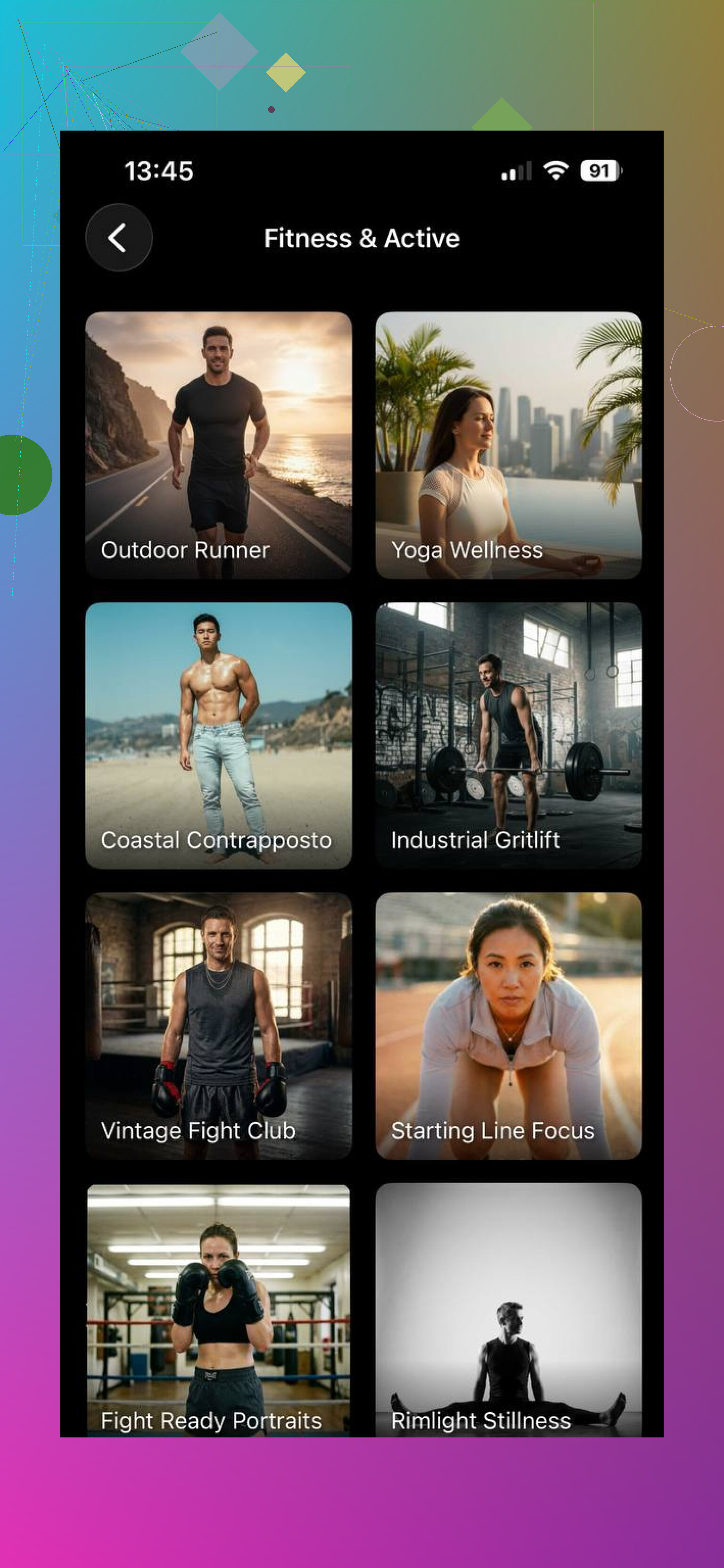
This one was the least annoying. I uploaded a small batch of clean selfies, picked a style pack, and most of the outputs looked close to me on the first run. Skin texture stayed normal. Teeth didn’t go off the rails. Hair was still hit or miss on a few generations, but less than I expected.
Packs worth trying:
LinkedIn Headshots
Corporate Portraits
Travel Photos
Casual Lifestyle
Instagram Content
How I used it:
Upload a few sharp selfies
Build your AI profile
Pick a pack
Generate images
Save the ones that don’t look fake
One detail I liked, it gives one free AI headshot per day for the first 10 days after install. I used that to test whether the face consistency was good enough before paying.
- Leonardo AI
Different tool, different mood. If you want tighter control, this one goes further. I got better results when I wanted cinematic portraits or stylized edits, but it took more effort. You need to nudge it with prompts, and if your wording is off, the image drifts fast.
Where it worked best for me:
Custom prompts
Cinematic portraits
Creative social media content
If you like tweaking settings, this is more your lane. If you want fast and simple, it felt slower.
- GIO AI Photoshoot Generator
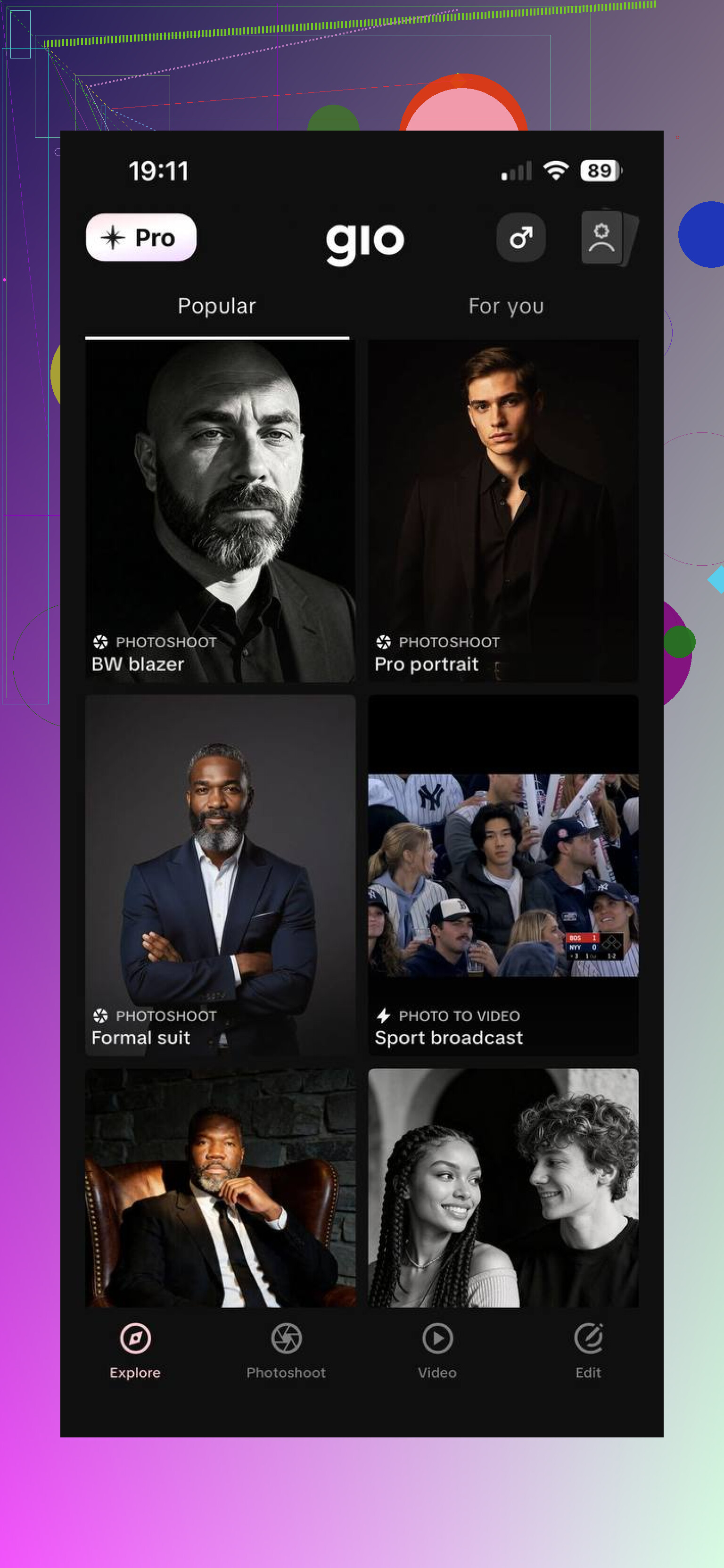
This felt built for speed. Lots of preset looks, less setup, fewer decisions. I’d use it when I wanted a quick batch and didn’t care much about fine control. Results were decent, though a few faces looked polished in a slightly plastic way.
Best use cases:
Fashion-style photos
Influencer content
Professional portraits
A few things improved my results across all three:
Upload sharp photos only
Mix outfits and backgrounds
Skip group shots
Use recent photos
Generate multiple versions, then keep the natural-looking ones
My take after trying these, Eltima AI Headshot Generator is the best choice if your goal is realistic photos of yourself and you don’t want extra work. I got usable results faster there than with Leonardo AI, mostly because I didn’t need to write prompts or fiddle with settings. Compared with GIO, the faces usually looked more natural to me, and the output fit work profiles better, especially LinkedIn, resumes, and social accounts. The free daily headshot for the first 10 days also made it easier to test without jumping straight into a subscription.
5 Likes
I’d split this into two parts, app choice and privacy.
On apps, I slightly disagree with @mikeappsreviewer on one point. Face-training apps are easier, but they also ask for the most personal data up front. If you care a lot about privacy, start with a tool that lets you test a few generations first, then decide if the quality is worth uploading a bigger set.
What I check before uploading anything:
Privacy policy says whether your photos train future models
Delete option for images and account
No requirement to upload ID or contacts
Watermark or sample mode before payment
Storage region, if they list it
Best safety move, use a fresh album with 10 to 15 recent photos. No kids, no friends, no house numbers, no work badge, no docs in the background. Crop metadata if you want extra caution. On iPhone, sharing photos without location helps. On Android, remove location in photo details or use a metadata remover app.
For better realism, the biggest fix is consistency. People upload 20 pics with diff hair lengths, old selfies, beauty filters, weird nightclub lighting, then wonder why the AI face goes off. Keep the set recent, clear, and boring. Boring works.
If results still look off, the app is often over-smoothing skin and reshaping eyes. Try fewer uploads, not more. I got better outputs with 12 solid pics than 30 messy ones. Kinda annoyng, but true.
If your goal is LinkedIn or dating pics, I’d test one simple app and one controllable app, then compare face match, hands, teeth, and ears. Those fail first.
I’d actually push back a little on the “just train a model from selfies” advice from @mikeappsreviewer. That route can work, but if the app is mediocre, it tends to lock in your mistakes too. Then every photo has the same waxy skin, same dead eyes, same fake smile. Super uncanny.
What worked better for me was this:
-
Test with a low-stakes app first
Not because it’ll be the best, but because you learn what kind of photos of you the AI handles well. Some people’s face scans great from straight-on selfies, others need slight angle shots or better side lighting. -
Don’t upload your “favorite” pics
Upload your most accurate pics. There’s a difference. A photo you love might have flattering shadows or a filter that teaches the AI the wrong face. -
Use one purpose per batch
If you want LinkedIn shots, train with cleaner, more polished pics. If you want casual Instagram-style outputs, use more relaxed source photos. Mixing everything can confuse the model a bit. -
Safety-wise, treat it like a faceprint
That’s the part people kinda gloss over. I agree more with @techchizkid there. Make a separate album, strip location data, and avoid anything with your home, car plate, work logo, or other people in frame. Also check whether the app lets you delete the trained model, not just the uploaded photos. Big difference. -
Judge results by the weird failure points
Not just “does this look cool?” Look at:
- eyelids
- teeth
- fingers near face
- hairline
- ear shape
If those are off, the app probly isn’t that good for realistic self-portraits.
App-wise, I’d split it simple:
- preset app if you want speed
- controllable tool if you want realism plus editing
- avoid anything that over-beautifies by default
Honestly, a lot of “bad AI photos” come from people feeding the tool random selfies from 5 years of their camera roll and hoping magic happens. Boring, recent, consistent photos usually win.
I’d add one thing the others only touched lightly: your source photos should match the type of output you want. I don’t fully agree with the “boring always wins” angle from @techchizkid and @sterrenkijker. For strict realism, yes. But if you want flattering AI photos, a set that is too flat can give you lifeless results. You want clean photos, not dead photos.
My rule:
- 70% plain, sharp, well-lit photos
- 30% slightly more expressive photos with good angles
That balance tends to keep the face accurate without making every result look like a passport booth.
If you want an easy starting point, Eltima AI Headshot Generator is a reasonable one to test because it is less fiddly than prompt-heavy tools. @mikeappsreviewer was right about selfie-trained apps being easier, but I’d still compare one batch there against one batch in a more controllable app before committing.
Pros of Eltima AI Headshot Generator
- simple workflow
- decent face consistency
- good for LinkedIn-style shots
- low effort compared with manual prompt tools
Cons
- less control than advanced generators
- can still smooth skin too much
My shortcut for judging results:
- Shrink the image on your screen
- If it looks real small but fake when zoomed, it is not a keeper
- Check eyebrows, nostrils, and neckline, not just eyes and teeth
That catches the “almost me” problem fast.
Also, don’t upload your entire face library. Curating is half the game. Too many photos can actually make the model average you into a stranger.