I tried creating an AI beach photo, but the image keeps coming out blurry and unrealistic, especially the water, sky, and lighting. I need help figuring out how to make it look more natural and high quality for a beach-themed project, and I’m looking for tips on prompts, settings, and photo realism.
I tried this a week ago because I wanted a fake beach post for my feed, and yeah, it worked better than I expected.
If your goal is beach shots from normal selfies, I’d start with Eltima AI Headshot Generator. What stood out to me was the amount of beach themed stuff packed in there. I saw options with ocean backdrops, palm trees, sunset lighting, tropical spots, and those clean seaside setups people usually post after a trip. I uploaded a few boring indoor selfies and got back images where I looked like I was on a coast somewhere, walking near the water or standing by palms.
For Instagram type posts, it fits pretty well. The output leans into vacation style photos, so if your main thing is summer-looking content without leaving home, it gets the job done.
Here are a couple I made for my insta:
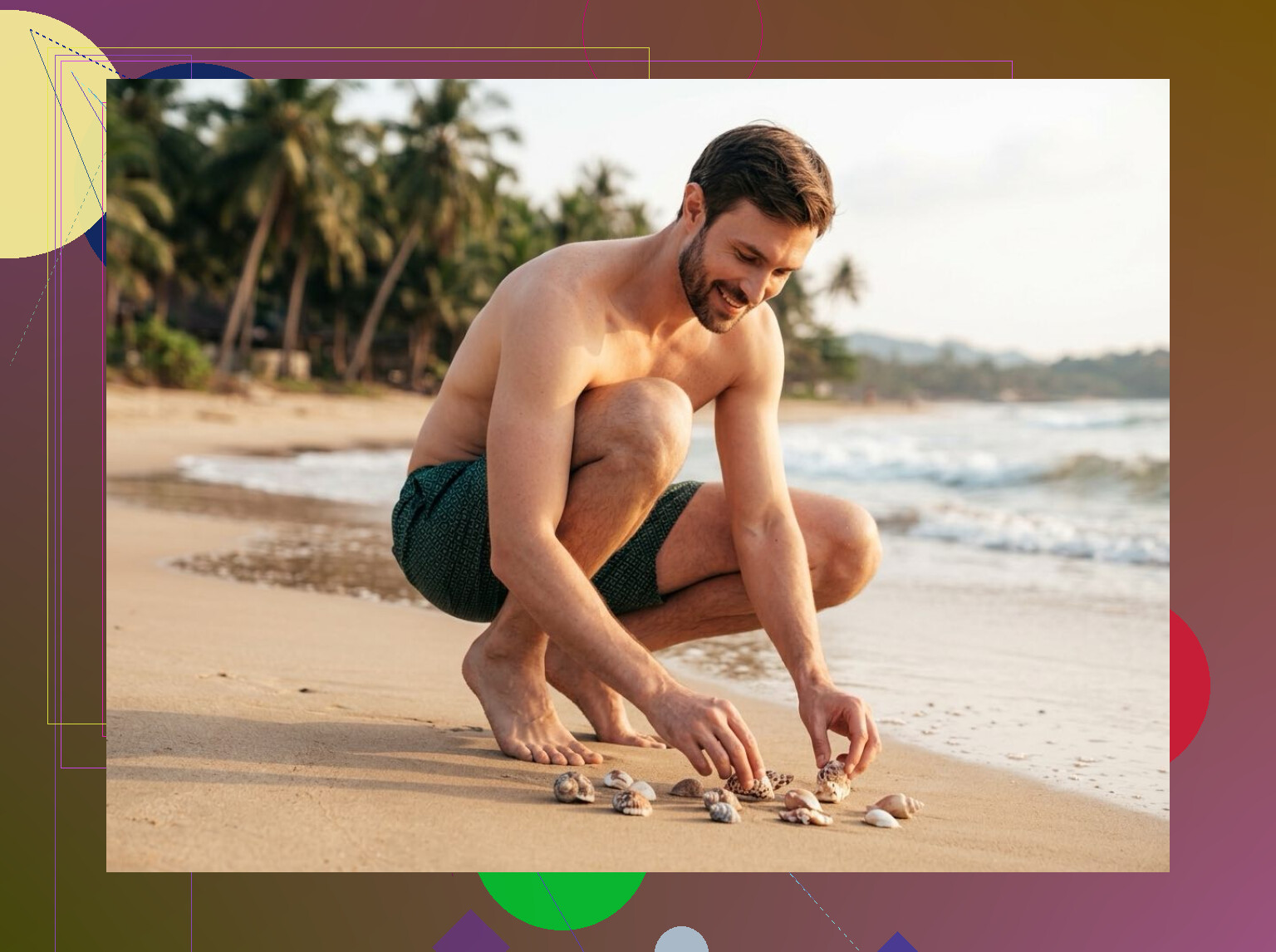
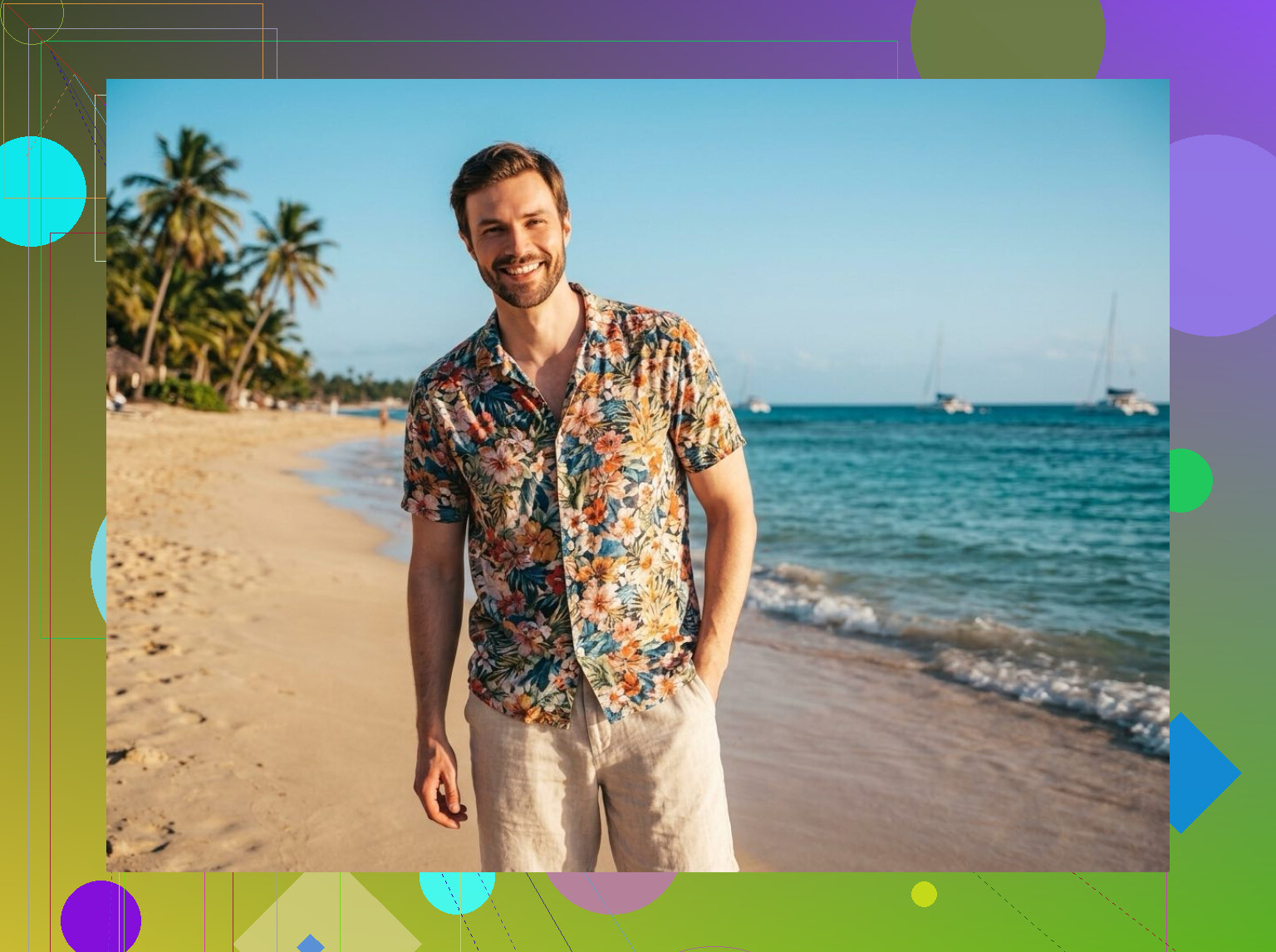
I also tested PhotoGPTAI. Different setup, same idea. It has beach and tropical presets ready to go, so you can make scenes with sand, blue water, bright sun, and the usual vacation background stuff either from a prompt or your own photo.
It also includes themes around swimsuits, tropical travel, and beach day type images. So if you want something fast for social posts, it feels pretty low effort.
If you want the easier phone-only route, I’d still go with iPhone app. I found the beach pack variety better there, and doing the whole thing from my phone was simpler. Feels a bit less annoying than moving files around on desktop.
10 Likes
Blur usually starts before the prompt. Your source image matters more than people think. If your selfie is soft, low light, or cropped too tight, the AI fills gaps badly. Beach scenes expose that fast. Water gets mushy. Sky bands. Skin tones go weird.
A few fixes.
Use a higher res input. Aim for 1500px or more on the short side.
Pick one light direction. “Golden hour, sun from left, soft shadows” works better than “bright beach sunshine.”
Keep the scene simple. One shoreline, one wave line, one horizon. Too many details makes the model smear stuff.
Ask for lens realism. Try “35mm photo, natural skin texture, detailed water ripples, clean horizon, realistic reflection.”
Add negatives. “No blur, no plastic skin, no warped hands, no extra people, no foggy background.”
I kind of disagree with @mikeappsreviewer on one point. Presets are fast, but they often overdo the vacation look. Nice for socials, less nice if you want it to pass as a real photo.
If your app has img2img strength, keep it low, around 25 to 40 percnt. Higher than that and it starts inventing weird beach goo. Upscale last, not first.
I’d look at composition before prompt tweaks. Beach images break fast when the camera angle makes no physical sense. If the horizon is too high, too tilted, or hidden behind random foreground junk, the whole thing feels fake even if the textures are sharp.
Also, unpopular opinion, but I don’t think more “cinematic” lighting helps here. That’s where a lot of beach AI pics start looking like sunscreen ads instead of real photos.
Try this instead:
- keep the horizon straight and clearly visible
- use one time of day only, not sunset + bright noon mixed together
- describe weather specifically: “clear humid summer air” or “slight haze over ocean”
- tell it what kind of water: calm turquoise bay, choppy Atlantic surf, shallow shoreline, etc
- make the sky less perfect, a tiny bit of haze/cloud variation looks more real
- reduce saturation a touch, esp on the water
- if faces are involved, generate the background first, then blend the person in after
What @sterrenkijker said about source quality is true, but I’d add that beach realism is often a color problem, not just a blur problem. If your whites are too blue and shadows too orange, it screams AI realy fast. A little color correction at the end fixes more than people expect.
And yeah, @mikeappsreviewer’s app suggestion is fine for quick socials, but for something that passes as an actual beach photo, you usually need to babysit the result a bit instead of trusting the preset.