I’m staying in a hotel for 7 nights and brought a streaming device, but the room’s remote stopped working. I’m trying to decide whether a replacement remote is worth trying or whether I need the front desk. Does ‘hotel mode’ mean another remote won’t help?
No remote app will connect if the hotel’s Wi-Fi prevents your phone from seeing the TV. That’s the detail I’d want to know before spending part of the evening trying different downloads. The app can be fine and still get nowhere. Some hotels have locked-down hospitality TVs, some keep the television off the guest network, and some block devices from communicating with each other. Being connected to the hotel internet doesn’t necessarily mean you can control the screen.
That’s why I wouldn’t treat calling reception as a last resort when the supplied remote is completely dead. In my experience, most hotels bring a replacement in about 10 minutes. They’re used to the request, and there’s not much reason to troubleshoot their setup for them if someone can just bring you a working remote. I’d save the phone workaround for when it’s late, I don’t feel like dealing with reception, or an Airbnb host isn’t answering.
The phone option has been much more dependable for me in apartments and smaller hotels with an ordinary smart TV connected to the same Wi-Fi. In those places, it’s worked pretty much every time, though I wouldn’t assume that carries over to every room. If that sounds like the setup you have, it’s worth a quick attempt with a remote app.
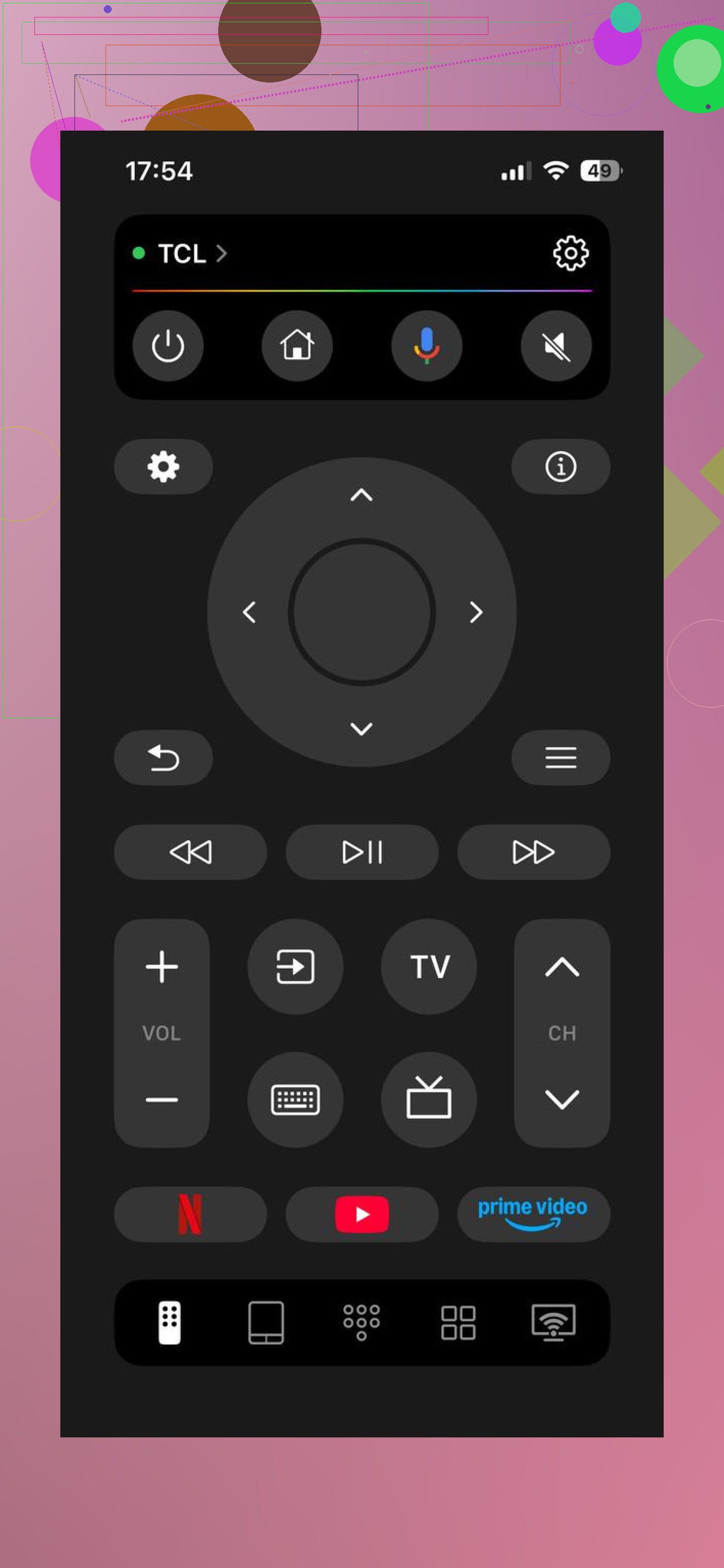
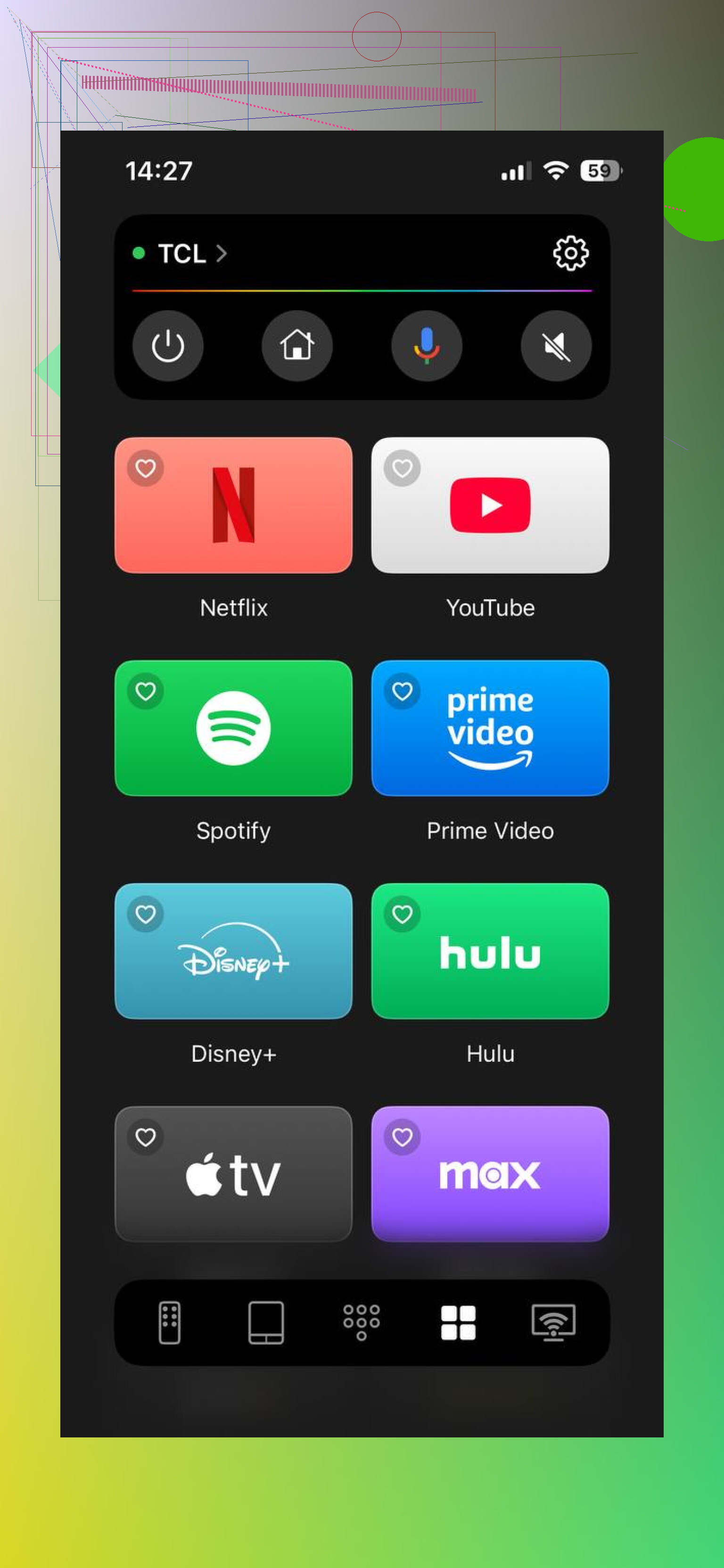
On my iPhone, I use TVRem because it covers Samsung, LG, Roku, Fire TV, Android/Google TV, and Apple TV without making me figure out a separate official app and account. Once the phone and TV are on the same Wi-Fi, the app finds the TV and gives you the remote controls on your phone. The keyboard is the part I especially appreciate when entering my own Netflix or YouTube login instead of selecting letters with a remote. That’s the convenience I get from the TVRem app, not a way around hotel network restrictions.
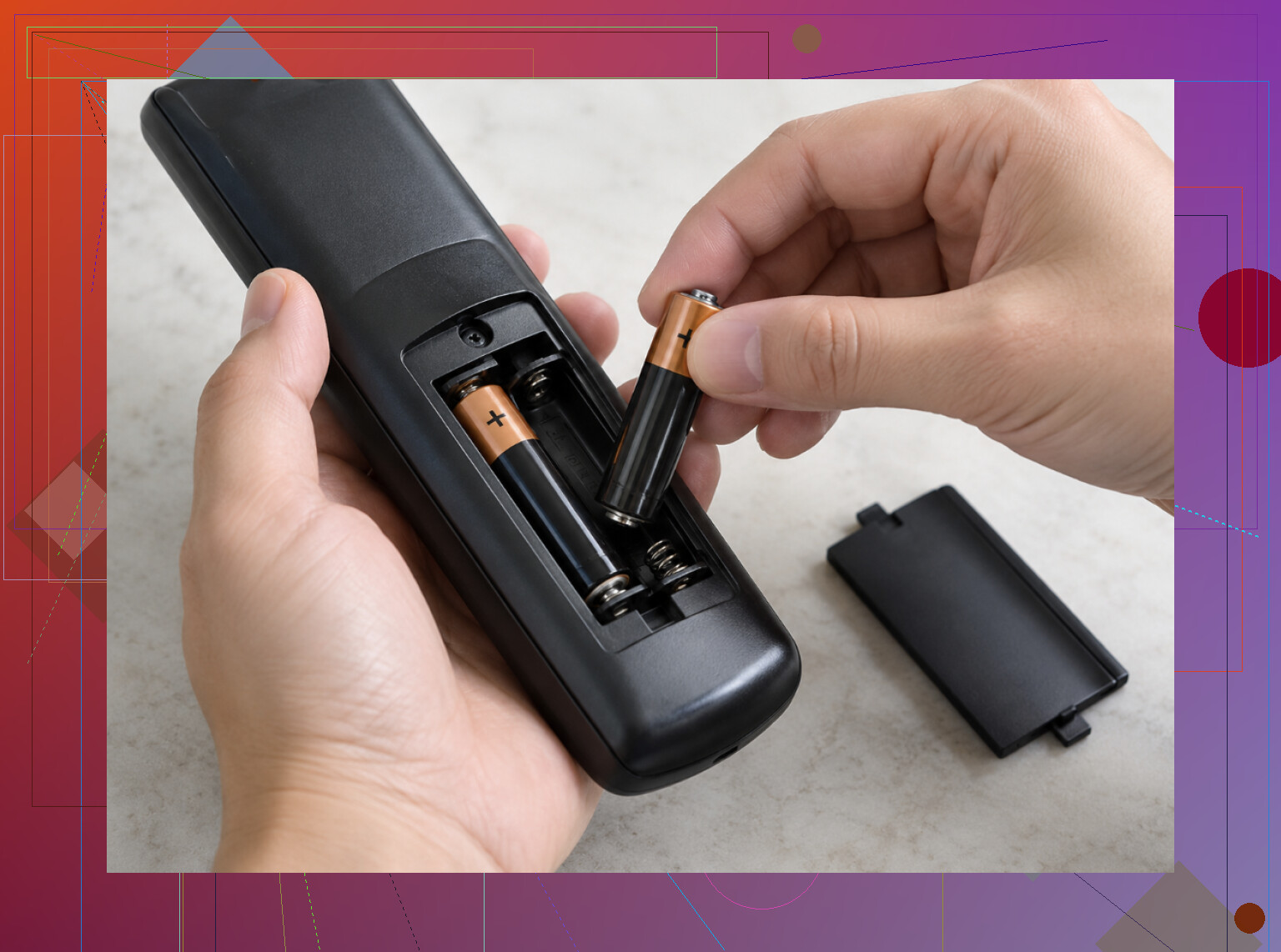
I’d also separate needing full remote controls from simply needing the TV on the right input. For a laptop or Chromecast plugged into HDMI, the TV sometimes switches over automatically through HDMI-CEC. Otherwise, look underneath the bottom edge or around the back right side for physical buttons. Those can be enough to turn it on and change the input. The supplied remote might also only need its batteries reseated or replaced; compatible batteries from the AC remote are worth trying if there’s one available.
To test the phone route yourself, connect your phone to the TV’s Wi-Fi network, allow about 2 minutes for discovery, and try the controls if it appears. If it doesn’t, check whether they’re actually sharing a network before trying more apps. Then use the physical buttons or ask for a replacement rather than spending the evening repeating the same test.
3 Likes
Ask at the front desk if they allow for guest HDMI use first before asking them to replace your dead remote. I would request that they give me a working remote and assist me with setting up my streaming device’s input in order to address both your needs at once.
Don’t buy a replacement remote hoping that it will fix their television. I’d ask the reception if they could put this TV onto the HDMI input for my streaming device. That would differentiate between broken remotes and the hotel limiting what inputs you can use. If ‘hotel mode’ is stopping inputs from being used, a new remote or apps on my phone is something I’d avoid buying if I wanted to stop wasting time. Have the staff confirm that the input is allowed and not blocked by their system before you waste your evening trying to troubleshoot your own equipment.
A phone workaround may mean you can access your streaming device but be unable to adjust the input on the TV or reduce the volume of the speakers. This is the consideration I would address before spending the money: controlling the device you brought in and controlling the hotel’s screen are clearly distinct issues, and an app that addresses one does not necessarily address the other.
Which streaming device did you bring and do you still have the remote for it? If that remote can take care of playback, I wouldn’t be concerned about finding a phone app for the same purpose. You don’t have control of the TV, so I’d ask the desk for a replacement hotel remote and let them choose your input while they’re at it. If you’re missing the remote for your streaming device as well, then the distinction between the two concerns isn’t as pertinent to you. At least for now, I don’t think you’d want a ‘universal’ app that covers devices beyond what you’re looking after.
I disagree slightly with the idea of making permission to use the HDMI connection a prerequisite to requesting an operative remote from the staff. The room’s remote has stopped working, which I think is a problem that should be reported regardless of what it is you intend to watch, and you need not identify the root issue, such as ‘hotel mode,’ to ask for help switching to your streaming device. A request such as ‘the TV remote doesn’t seem to work, and I’d like to switch to my streaming device’ will give them both trouble without necessarily presuming either has the same cause.
I’d be hesitant to buy a replacement myself until someone has identified what it is that needs replacing. A remote provided by the hotel is a completely different prospect to one that I purchase because the listing comes with the TV’s brand in the title. Before I’ve spent the money, confirmation on compatibility with that specific television and the controls it requires would be necessary because ‘compatible’ wouldn’t answer the whole question for me.
If you do attempt the phone, I’d ask to test the unexciting controls before signing in anywhere: can you access your device, adjust the sound, and power off the screen? Testing a menu navigation is only a partial victory. For a stay spanning several nights, I’d prefer a setup I can count on being able to use again tomorrow without another diagnostic session rather than an app that technically facilitates the connection but still requires me to find the volume off switch.
Half the hotel TVs I’ve encountered have a feature that wipes your input selection overnight. You get everything working, go to sleep, and the next morning the screen is showing the hospitality channel with your HDMI cable buried under a menu you can’t navigate without a remote. This is a cost that no one factors into a week-long booking. The phone app that controls your streaming stick will do nothing about this reset, since what is having its settings wiped is the television itself.
So I’d lean harder than @byteguru did on just getting a physical remote in the room and keeping it. @byteguru is right that controlling your device and controlling the screen are separate problems, but for seven nights the real issue is repeatability, and a working remote solves the morning reset in two seconds while an app doesn’t.
Where I’d ease off is the advice from @cloud_lynx and @digitalbear5643one about treating HDMI permission as a thing you clear before asking for a remote. You don’t have to frame it as an investigation. The remote is broken, that’s a plain maintenance request, and when they drop it off you ask them to flip it to your input right then. If the input turns out to be locked, you find out in the same visit instead of opening with a question that makes the desk think you’re about to be difficult.
The application will still have its uses. If it is late and you simply wish to watch something tonight before having to deal with reception tomorrow, a universal remote on your phone can get you started without having to search for the official application for whatever brand is nailed to the wall. It would be best however to treat that as the stopgap it is, and not purchase any remote hardware off one of the listings before the staff has told you why any given thing is failing. A generic one listed as a match for the brand could potentially lack the buttons one needs for the hospitality model.
Don’t make your phone the only remote if you’re sharing the room. Even if an app works, a remote that stays beside the TV lets someone else watch while you’re out with your phone, without borrowing it every time they want to change something. That’s a convenience argument for getting the hotel’s remote replaced, separate from @silverstream’s concern about input resets, but I wouldn’t buy a replacement for equipment the hotel should provide.
If a cell phone app prompts you to approve a pairing using your TV remote, that’s a circular problem. Don’t waste money on an upgrade. Ask reception for a working remote and skip any instructions that require factory resetting a TV that you don’t own.