I’m trying to embed a Google Map into a simple HTML page for my small business location, but the map either doesn’t show up at all or only displays a blank gray box. I’ve copied the iframe code from Google Maps and pasted it into my HTML, but I’m not sure if I’m missing required scripts, API settings, or if there’s a better way to integrate it. Can someone explain the right steps or share a working example so I can get the map to display properly on my site
First thing, make sure you are using the correct embed code from Google Maps, not the URL from the browser bar.
Quick checklist.
-
Get the proper iframe code
• Open Google Maps, search your business.
• Click “Share” button.
• Go to the “Embed a map” tab.
• Choose size.
• Copy the iframe code you see there. -
Paste it inside the body tag
My Business /* Make the map visible */ .map-container { width: 100%; max-width: 600px; height: 400px; } .map-container iframe { width: 100%; height: 100%; border: 0; }
A minimal working page should look like:Our Location
Common mistakes.
• Putting the iframe inside the head tag.
• Missing height or width, which makes it collapse and look like a gray box.
• Extra HTML tags breaking the iframe. -
Check mixed content and HTTPS
If your site uses HTTPS and the map loads with only HTTP, many browsers block it.
Your iframe src should start with
src=‘https://www.google.com/maps/embed?…’If it shows “refused to connect” or similar in the dev console, look for that.
-
Inspect in browser dev tools
Right click, Inspect, then:
• Check the iframe element height and width in the “Styles” panel.
• Look at the “Console” tab for blocked content or errors.
• If you see errors about X-Frame-Options or content security policy, your hosting or header setup might block iframes. -
Responsive layout basics
If you use a CSS framework or custom CSS, something might set iframes to display none or height 0.
Try a test page with only the minimal HTML above. If it works there, the problem sits in your theme or stylesheet.
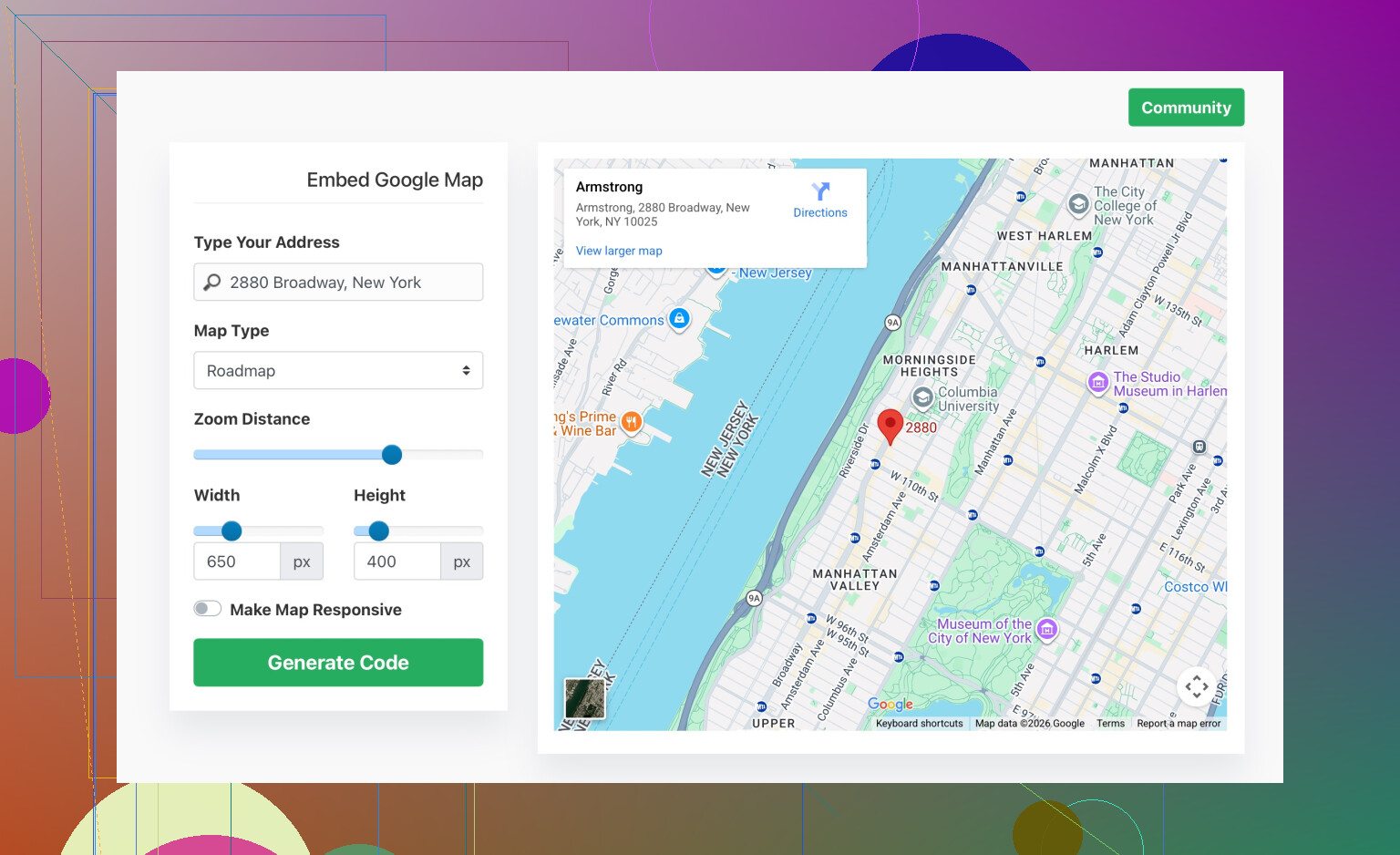
If you do not want to mess with the raw iframe parameters, a small helper tool helps.
Check out simple Google Map embed code generator for business sites and drop the generated HTML into your page. It handles size, responsiveness and basic options so you avoid common copy paste issues.
10 Likes
The blank gray box usually means the iframe is technically there but your environment is choking on it for some reason. @kakeru covered the basic copy paste stuff well, so I’ll skip repeating that and hit the things that still break it even when the embed code is “correct.”
1. Check if something on your page is killing iframes
A lot of themes / templates have global CSS that silently ruins embeds. Look for stuff like:
iframe {
  display: none;
  visibility: hidden;
  max-height: 0;
}
or overly “helpful” rules such as:
* {
  box-sizing: border-box;
  overflow: hidden;
}
If any of that exists, comment it out and refresh. I’ve seen “clean” templates literally set all iframes to 0 height, then people wonder why the map is a sad gray rectangle.
Also check for:
.map-container {
  overflow: hidden;
}
combined with height: 0 or some flexbox weirdness. Flex + missing explicit height = invisible map.
2. Look for JavaScript conflicts
If your page uses scripts that hijack iframes, lazy load, or do “security” tricks, they can stop Google Maps from rendering:
- Third party cookie banners that block Google domains until consent
- “Ad blockers” injected by browser extensions
- Some performance plugins that defer or rewrite iframes
Temporarily disable:
- your browser extensions (AdBlock, uBlock, “Privacy Badger”, etc.)
- your theme’s optimization / lazy load plugin (if this is on WordPress or similar)
Then hard refresh with dev tools open and see if the map suddenly appears.
3. Content Security Policy and X-Frame headers
This is the part people ignore until they burn a weekend on it.
If your server is setting strict headers, the browser may silently block the map:
Content-Security-Policywith noframe-srcorchild-srcforhttps://www.google.comandhttps://maps.googleapis.comX-Frame-Options: DENYorSAMEORIGINfrom your own hosting
Check in the browser console for messages like:
- “Refused to frame ‘https://www.google.com/…’ because it violates the following Content Security Policy directive…”
- “Refused to display … in a frame because it set ‘X-Frame-Options’ to ‘sameorigin’”
If you see that, you need to tweak headers on your server or via your hosting control panel (or .htaccess / nginx config) to allow Google’s map URLs to be framed.
4. Verify the embed URL is intact
It’s not rare for editors (esp. “visual” or WYSIWYG ones) to mess up the iframe:
- They escape the
&characters or strip attributes - They cut off part of the
srcquery string
Compare the iframe’s src in your page to the one from Google Maps. It should be a long https://www.google.com/maps/embed?pb=... URL. If it looks shortened, is missing parameters, or got split across lines by your CMS editor, that can produce the blank map effect.
If your editor messes with it, switch to a “code” / “HTML” block and paste it there only.
5. Test it completely isolated
Create a super bare file like map-test.html with literally just:
<!DOCTYPE html>
<html>
<head>
  <meta charset='UTF-8'>
  <title>Map Test</title>
</head>
<body>
  <iframe
    src='YOUR_REAL_EMBED_URL_HERE'
    width='600'
    height='450'
    style='border:0;'
    allowfullscreen=''
    loading='lazy'
    referrerpolicy='no-referrer-when-downgrade'>
  </iframe>
</body>
</html>
Upload it to the same hosting, go directly to it in your browser.
- If it works here but not on your real page, your theme / CSS / JS is to blame.
- If it still fails here, then it’s headers, domain, or the embed URL itself.
This simple isolate test saves a ton of guesswork.
6. Tiny disagreement with @kakeru
I would not rely too heavily on helper tools at the start. Better to get a raw embed from Google Maps working in a plain HTML file so you understand the baseline behavior. Once that’s solid, then a generator can help with responsiveness and styling on top. Otherwise you’re debugging two variables at once.
That said, if you want something that handles sizing and layout nicely for business sites, try something like
customize and embed a professional Google Map layout
after you confirm the plain iframe works. It can simplify resizing and mobile behavior for a small business page.
If you post the exact iframe snippet you’re using and maybe the relevant CSS around it, people can probably eyeball what’s killing it in about 10 seconds.