My iPhone storage is almost full, and I keep getting warnings when I try to take photos, update apps, or save files. I don’t want to pay for an iCloud subscription, so I need help finding the best ways to free up space or add more storage without monthly fees. Looking for practical iPhone storage tips that actually work.
Your iPhone yelling about storage when you are not paying for iCloud gets old fast. I ran into it too. The good part is you still have a few solid ways to clear space without signing up for anything monthly.
First, the annoying truth
You do not upgrade an iPhone’s built-in storage after you buy it. No microSD slot, no hidden trick, no adapter that turns 128 GB into 256 GB. What you do have are two routes. Clean out what is already on the phone, or move stuff off the phone onto external storage.
Check the only screen that matters
Open Settings, then General, then iPhone Storage.
I trust this screen more than guessing from Photos or app icons. The bar at the top shows what is eating space, photos, apps, messages, system data, all of it. If your phone feels full, start here.
Two quick wins usually show up right away:
Open apps you have not touched in months and hit Offload App. This removes the app itself but leaves your data behind. When you reinstall it, your stuff is still there. I used this on bloated airline apps, hotel apps, and games I swore I would play again. It saved more space than I expected.
Scroll to Messages and check Review Large Attachments. Old videos, memes, voice notes, random PDFs, they pile up quietly. I found years of junk in there, some of it from group chats I muted ages ago.
Photos are not gone when you think they are gone
This part trips people up. You delete photos, then look at storage, and nothing changes. The reason is Recently Deleted. Apple keeps those files for 30 days, and they still count until you empty that folder.
Go to Photos, Albums, Recently Deleted, then Delete All.
If you skip this, your cleanup barely counts. I did that once and thought my phone was broken. Nope. It was me.
Safari keeps its own pile of junk
Go to Settings, Apps, Safari, then Clear History and Website Data.
Over time Safari builds up cached site data and other leftovers. It sits there quietly. Clearing it usually frees some room, and I did not lose anything important when I tried it.
Low storage does more than block photos
When an iPhone gets close to full, it starts acting weird. Apps hang. The camera takes longer. The whole phone feels sticky. I noticed this most when storage dropped into the danger zone and iOS had almost no working room left for temp files.
So yeah, clearing space is not only about saving one more video. It often fixes the slowdown too.
If you need a bigger cleanup fast
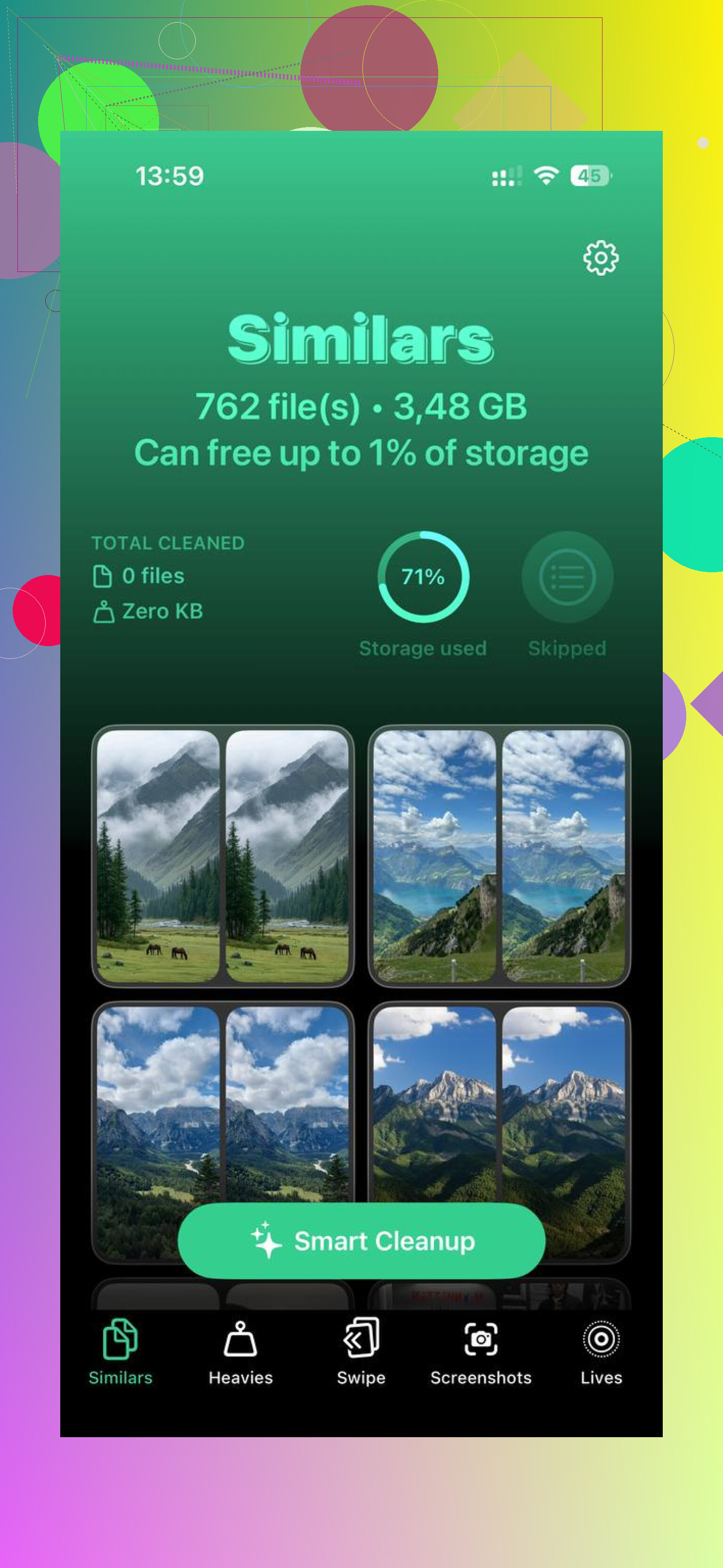
For most people, the photo library is the real problem. Mine was. Manually sorting thousands of photos is miserable, so I looked for a faster way. Clever Cleaner is one free option, no ads, no subscription.
What stood out to me was how it splits the mess into useful sections. Heavies puts the biggest files first, so those old 4K clips show up immediately with their exact sizes. Similars groups near-duplicate photos and picks a Best Shot, which helps when your camera roll is full of burst photos and ten copies of the same thing. Screenshots lists screenshots with file sizes shown before you remove them. The processing stays on the phone, so nothing gets sent elsewhere.
If you refuse subscriptions, use a drive
If you have files you want to keep and do not want them sitting on the phone, an external iPhone flash drive is the simple one-time-buy option. Something like the SanDisk iXpand plugs into the charging port. Move your photos and videos onto it, confirm they copied, then delete them from the phone.
No monthly bill. No iCloud plan. Space comes back once the files are off the device.
8 Likes
A few other things to check, since @mikeappsreviewer covered the big obvious ones.
Mail is a sneaky storage hog. If you added Gmail, Outlook, or old work accounts in Apple Mail, cached attachments pile up. Remove the mail account from Settings, then add it back. I’ve seen this free 1 GB to 5 GB on phones with years of email.
Downloads is another one people miss. Open the Files app, then On My iPhone and Downloads. Delete old ZIPs, PDFs, video files, and random stuff you saved once and forgot. Same idea for podcast apps, Spotify, Netflix, YouTube Premium. Offline downloads eat space fast. Go into each app and wipe downloaded content.
I also disagree a bit on Safari cache being a big win. Sometimes it helps, sometimes it frees almost nothing. App downloads and media files usually matter more.
If Messages is huge, change retention to 1 Year or 30 Days in Settings, Apps, Messages, Keep Messages. Old threads with photos stack up like crazy.
For photos, export them to a computer with USB. Windows Photos app or Image Capture on Mac works fine. Then delete from the phone and empty Recently Deleted. No sub needed, no extra cloud bill.
If your library is a mess, Clever Cleaner is worth a look for sorting duplicates and large files. I found this guide useful for top free iPhone cleaner app options. It points to one of the best free choices for photo cleanup.
One more thing, restart after cleanup. iOS sometimes holds onto storage numbers for a bit. Sounds dumb, but yup, it helps.
One thing I’d add to what @mikeappsreviewer and @jeff said: check voice memos, GarageBand, iMovie, and camera settings. People focus on Photos and Messages, but those creative apps quietly hoard giant files.
If you use Voice Memos, open it and sort by size or length. A few long recordings can eat gigs. Same with iMovie projects. Deleting the exported video is not always enough if the project file is still sitting there.
Also, go to Settings > Camera > Formats and make sure you’re using High Efficiency instead of Most Compatible. For video, drop recording from 4K to 1080p unless you actually need 4K. That won’t free current space, but it slows the problem down a lot. Kinda shocked more people dont mention this.
Another underrated fix is deleting and reinstalling social apps like Instagram, TikTok, Facebook, Reddit, even Discord. Those apps build up cache like crazy, and unlike Offload, a full delete can wipe the junk. Just make sure you know your login first, obv.
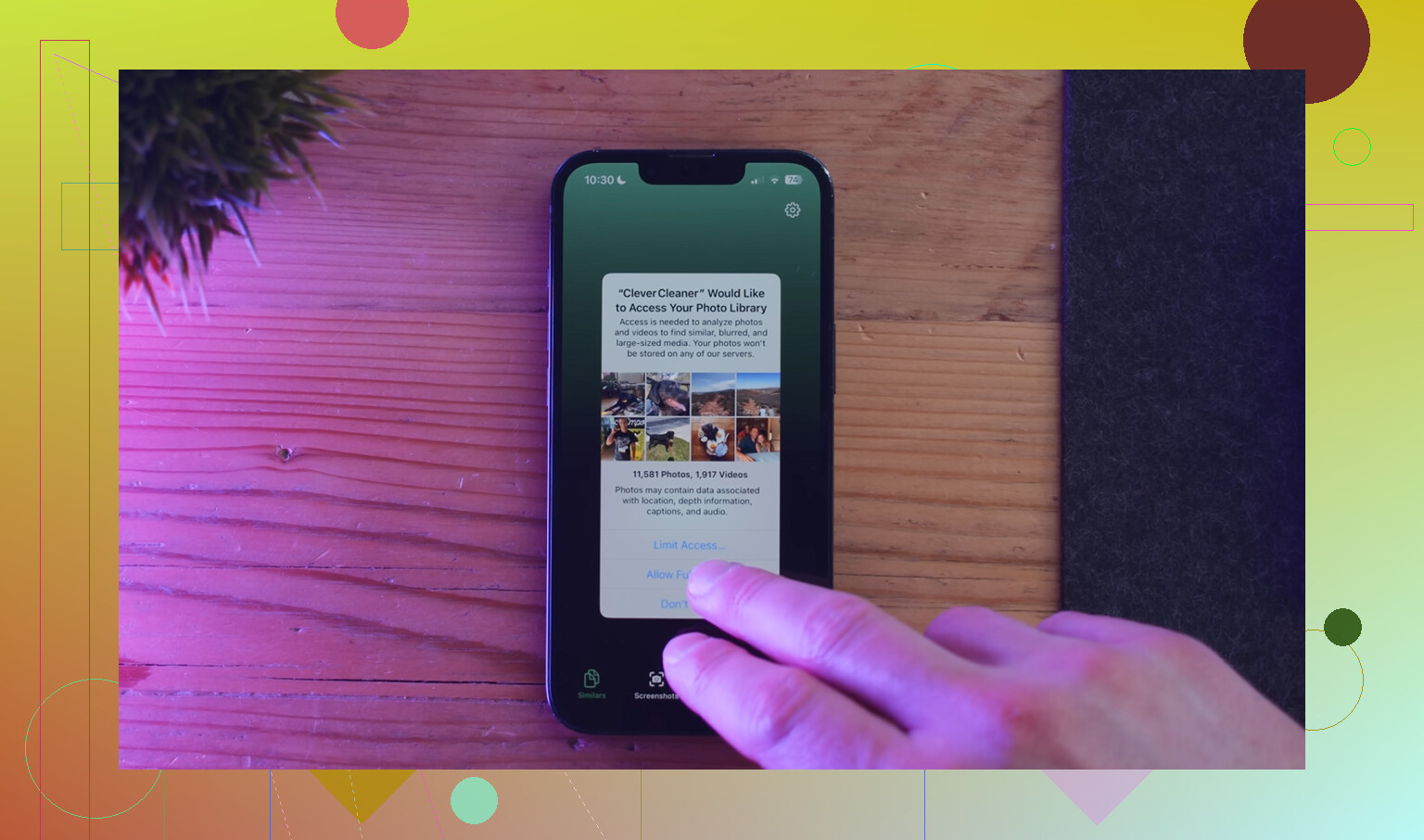
If your photo library is the real mess, Clever Cleaner makes sense since it helps find duplicate pics and large files faster than doing it all by hand. And if you want a better look at how it works, this Clever Cleaner video review for freeing up iPhone storage is easier to follow than reading random app store blurbs.
My honest take: free space on iPhone is mostly about habits, not magic. Stop offline downloads, lower camera quality a bit, kill app cache, and the warnings chill out fast.