My iPhone photo library has turned into a mess with thousands of pictures, screenshots, and duplicates, and sorting through everything manually is taking way too long. I need help finding the fastest way to organize iPhone photos, remove clutter, and keep storage under control without losing important memories.
When your iPhone library hits tens of thousands of photos, the hard part is not effort. It’s using a system that doesn’t fight you every step.
What tripped me up first in Apple Photos
I had this wrong for way too long. Putting a photo into an album does not move it out of the main library. Apple Photos keeps the original in the full stream and adds an album tag. So the same image shows in both places.
Recents is not a folder you empty out. It’s more like a running log of what exists in your library. Once I stopped treating it like a desktop folder, the whole app made more sense.
Why I’d clean the garbage out before sorting anything
If your library is packed with blurry shots, five tries of the same meal, accidental pocket photos, and old screenshots, organizing turns into a slog. I did this backward once. Huge mistake. I spent time filing trash into neat piles.
Storage pressure also hits the phone in dumb ways. Apps drag. Camera startup feels slow. Saving a photo stutters. On an older iPhone I had, freeing up space fixed more than I expected.
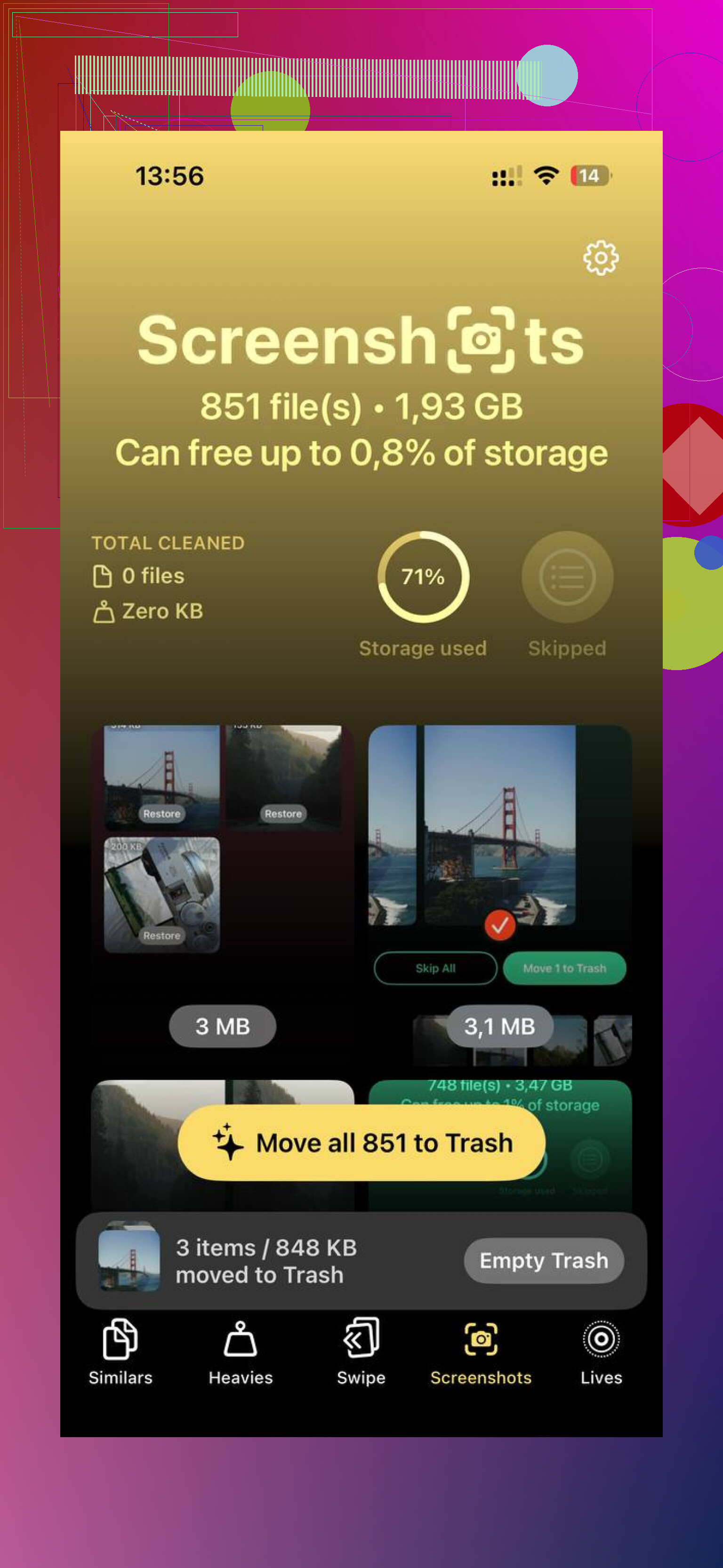
Apple’s built-in Duplicates section under Utilities helps, but only for exact copies, and it takes its sweet time updating. If your problem is near-duplicates, bursts, or repeated attempts from the same angle, I had better luck with Clever Cleaner.
What stood out for me:
The Heavies view puts the biggest files on top, with file sizes shown clearly. You see the giant 4K videos first instead of hunting for them blind.
The Similars view groups close matches, not only perfect duplicates. Burst shots, three versions of the same sunset, ten pics of your dog blinking weirdly, all of it gets bundled together so you pick one and dump the rest.
It processes on the phone, which I cared about more than I thought I would.
I cleared about 8GB doing this. After taht, the lag I’d been blaming on “old phone stuff” mostly went away.
How I’d organize a huge library without wasting a weekend
The all-at-once approach sounds noble and fails fast. I never made it past a few hundred photos before getting annoyed. Smaller loops worked better.
Use the date trick. Search today’s date in Photos. It pulls up images taken on this date across past years. I liked this one because it mixed cleanup with old memories, so I didn’t quit after five minutes. You skim, delete junk, keep moving.
Do one short pass each week. Ten minutes was enough for me. I treated Recents like an inbox. First pass, remove obvious trash. Second pass, drop the keepers into a few albums. Short sessions beat giant cleanup binges. Every time.
Keep albums broad. Mine got easier once I stopped making cute little categories. A few buckets work better. Personal stuff. Screenshots and saved reference images. Photos waiting for edits. Past that, maintenance starts eating more time than the mess did.
For giant backlogs, use faster sorting tools. Swipe-based apps like Slidebox move quicker than the built-in tap, select, add flow. If you’re sorting thousands, speed matters or you’ll bail halfway through.
What goal made this manageable
I stopped aiming for a perfect library. Perfect is how you end up with 14,000 unsorted photos six months later.
A usable library is enough. One or two solid shots from a birthday, trip, or concert beat twenty mediocre ones clogging the roll. Clean storage first so your phone stops wheezing. Then do small weekly maintenance. If you keep up with those short passes, you won’t need another giant cleanup day agian.
8 Likes
Fastest fix is to stop “organizing” first. I disagree a bit with @mikeappsreviewer on albums being the main next step. Search beats albums for most people. If you use Photos search well, you need fewer folders than you think.
My fast workflow:
-
Turn off screenshot clutter.
Go to Settings, Photos, then view Screenshots as a separate thing in your head. Delete those first. They have low keep value. -
Use built-in filters hard.
In Photos, filter by Videos, Screen Recordings, Selfies, Bursts. These are high-volume buckets. You clear 500 items faster than mixing them with family pics. -
Favorite first, sort later.
Run through key months and tap the heart on keepers. Aim for top 10 to 20 percent. Your library gets usable fast, even if old junk still exists. -
Use search instead of albums.
Search “receipt”, “dog”, “beach”, “concert”, “whiteboard”. Apple’s object and text search is better than most people think. Less filing, less time wasted. -
Use a cleanup app for the heavy lift.
Apple Photos misses a lot of near-dupes. Clever Cleaner is one of the faster options for iPhone photo cleanup because it groups similar shots and large files without making you peck through them one by one. If you want a clear walkthrough, this helps: fast iPhone photo cleanup walkthrough with Clever Cleaner -
Set a delete rule.
Keep 1 or 2 from each moment. Delete the rest. Bursts are where people lose hours. Dont inspect every blink.
I did this on a 12k library. First pass took about 45 mins. Cleared 11GB. Phone felt less laggy after, no joke.
One thing I’d push back on a little from @mikeappsreviewer and @viaggiatoresolare: if you try to fully organize before changing your capture habits, the mess just comes right back. That was my mistake.
Fastest long-term fix for me:
- Stop saving every meme, receipt, and random screenshot
- Turn on iCloud Photos if you have the space, then enable Optimize iPhone Storage
- Create only 3 to 5 albums max, not 25 tiny ones
- Use a “delete now or favorite now” rule when taking multiple shots
Also, don’t sleep on Smart Search plus captions. I know people say albums are enough, but adding a quick caption like “car repair 2024” or “kid school form” makes stuff way easier to find later than dumping it into another folder.
For cleanup speed, I’d do this:
- Delete giant videos first
- Clear screenshots second
- Merge duplicates
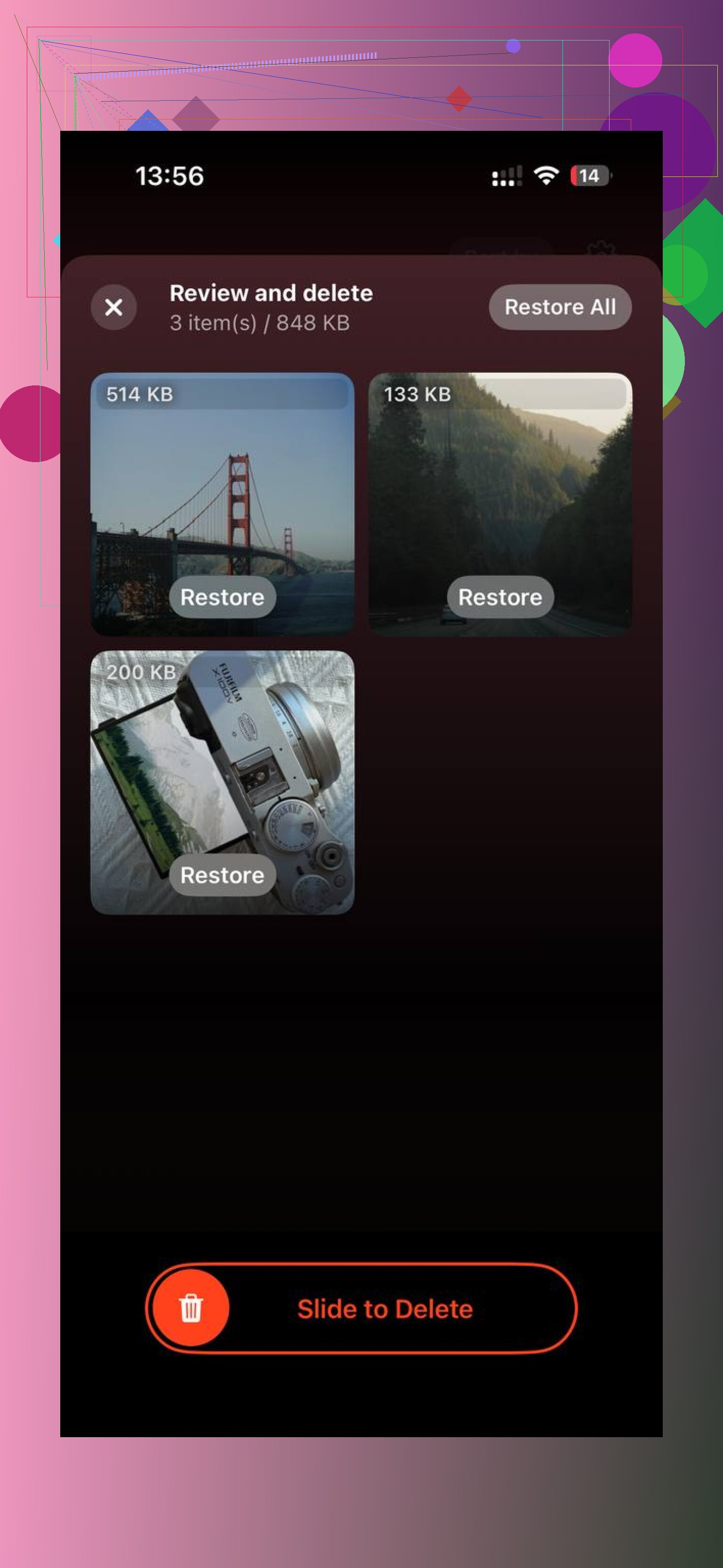
- Then use Clever Cleaner for similar photos and space hogs
That order matters more than people think. You free space first, then sort with less lag. If you want a solid demo, this is pretty useful: see how to clear iPhone storage fast with Clever Cleaner
Honestly, “organized enough” beats perfect. Perfect is how you lose a whole saturday to pics of the same taco from 2019 lol.