I accidentally deleted important documents and photos from my thumb drive and realized too late that I didn’t have a backup. I really need help figuring out if deleted files on a USB flash drive can be recovered and what steps I should take right away to avoid making things worse.
Deleted files on a USB drive
Yeah, I’ve had this happen. You delete something, pull the drive out, plug it back in, then stare at the folder like it’s going to change its mind.
The main thing is simple. Stop writing anything to the USB right now.
Do not copy files onto it. Do not format it. Do not recover files back onto the same stick. On most USB drives, deleted files do not pass through the normal Windows Recycle Bin. The file system marks the space as free, and the old data often sits there until something new lands on top of it.
So if you caught it early, your odds are still decent.
Quick checks before recovery software
I’d spend two minutes on these first.
- Turn on hidden items in File Explorer, then open the USB again.
- Look for hidden folders named $RECYCLE.BIN, RECYCLER, RECYCLED, or .Trashes if the drive was used with a Mac.
- Check your cloud sync folders or any backup location where you might have copied the files earlier.
- Leave repair tools alone for now, unless the USB is unreadable and you already pulled off what matters.
I’ve seen cases where the files were not gone at all. They were hidden by bad attributes, a glitch, or some junk malware. The recycle-folder trick fails on plenty of flash drives, sure, but it takes almost no time.
If the files are gone
At that point, I’d move to recovery software.
I’ve had better luck with Disk Drill than with the usual free tools people throw into comment threads without testing. It works with FAT32, exFAT, and NTFS, which covers most USB sticks people use. It also lets you preview files before restoring them, and this part matters more than people think.
Basic recovery flow
- Install Disk Drill on your computer, not on the USB drive.
- Connect the USB and pick it inside the app.
- Start a scan for lost files.
- Preview what shows up.
- Pick the files you want back.
- Save them to your computer or a different drive, never to the same USB.
I learned this the hard way years ago. Writing recovered files back to the same flash drive is how you erase the next batch of stuff you were hoping to save. You think you’re fixing the mess, but you’re stepping on the evidence.
Why preview matters
This is the part I trust most.
If a file opens in preview and looks normal, recovery odds are usually better. If the scan also shows the original filenames and folder structure, even better. If all you get are generic renamed files, recovery still might work, though sorting the results gets annoying fast. Photos are usually manageable. Mixed office docs, PDFs, and random project files, less fun.
About Windows File Recovery
You can try Microsoft’s Windows File Recovery too. It works, sort of, if you’re okay with command-line stuff and rough output. I used it once on an old NTFS drive and spent more time reading syntax than recovering data. If CMD doesn’t bother you, fine. If it does, skip the detour.
Do not run CHKDSK first
I would hold off on CHKDSK.
It helps with file system issues, but deleted-file recovery is a different job. Recover first. Repair later. I’ve seen Windows ‘fix’ a drive and leave fewer useful recovery results after. Not every time, but enough times where I stopped doing it in this order.
What I’d do in your spot
Leave the USB alone. Check hidden items and those recycle-style folders fast. If nothing shows up, scan the drive with Disk Drill. Restore everything to another location.
Less use after deletion usually means better results. If you already copied stuff onto the drive after the files vanished, chances drop. Still worth a scan tho.
2 Likes
Yes, deleted files from a thumb drive are often recoverable, if you stopped using the drive fast enough.
One small thing I’d add to what @mikeappsreviewer said. If the files were deleted with Shift+Delete from the PC, or removed on another device, skip the recycle bin hunt unless you know the USB was set up for it. On most flash drives, deleted entries go straight to free space.
My order would be this:
- Unplug the USB.
- Plug it into a stable PC, not a TV, car, printer, or random adapter.
- Make a byte-for-byte image of the drive first if the files matter a lot.
- Run recovery on the image, not the original, if possible.
This matters because cheap USB sticks fail hard. I’ve seen drives drop from working to unreadable in one afternoon.
For tools, Disk Drill is a solid pick because it handles common USB file systems and gives previews. Recuva is fine for simple deletes, but it misses stuff on damaged exFAT drives in my expereince. PhotoRec finds more raw files, but file names are often gone, which is a pain for docs.
If you want a walkthrough, this USB flash drive data recovery video guide covers the process in a clear way.
If the USB shows 0 bytes, asks to format, or disconnects on its own, stop DIY stuff and image it first. That part gets messy fast.
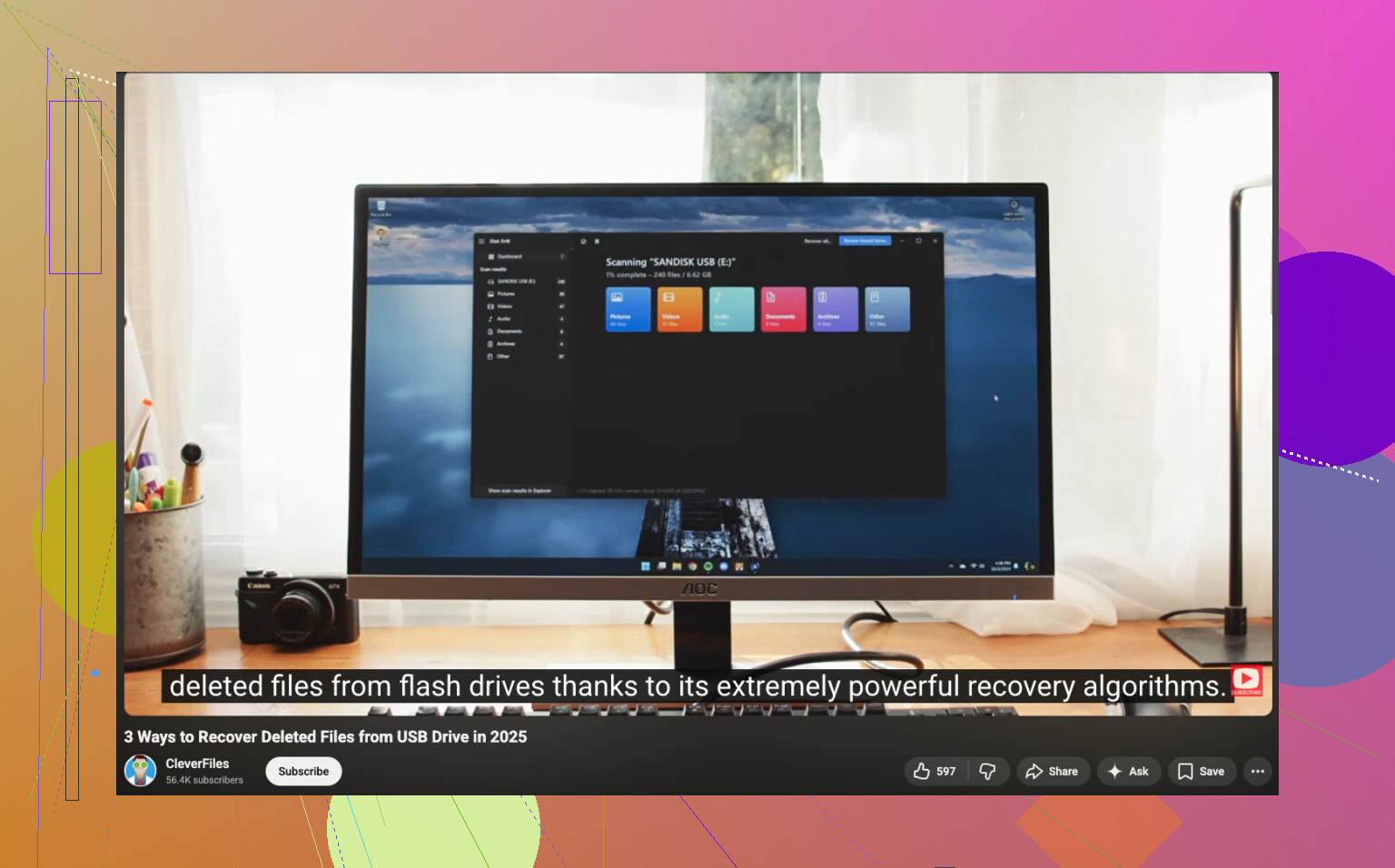
Yes, it’s possible, but not guaranteed. Deletion from a thumb drive usually just removes the file entry, not the actual data right away. So if you haven’t used the USB much since, there’s still a real shot.
I mostly agree with @mikeappsreviewer and @sonhadordobosque, but I’m gonna push one extra point harder: if the files are seriously important, make an image of the flash drive first before you start experimenting. People skip that, then run 3 diff recovery apps, and by the time they’re done the drive is half-cooked.
Also, don’t assume “deleted” is the only issue. Sometimes the partition table gets messed up and the files are still there, just not visible in the normal way. In that case, a recovery app that can scan for lost partitions helps more than just hunting deleted entries.
Disk Drill is a solid option here because it’s easy enough for normal people and does a decent job with USB flash drives, photos, documents, and common file systems. I wouldn’t call any tool magic, but for “USB deleted files recovery software” it’s one of the more practical choices. Just recover to your PC, not back onto the stick. That part matters a lot.
One thing I slightly disagree on: Recuva is not always useless on flash drives. Sometimes it works fine for simple deletes. But yeah, once the drive is flaky, exFAT is involved, or the structure is damaged, it starts feeling pretty meh.
If you want another visual walkthrough, this step-by-step USB file recovery video is worth a look.
Short version:
- Stop using the USB.
- If possible, clone/image it.
- Scan with Disk Drill.
- Save recovered files somewhere else.
- If the drive keeps disconnecting, stop DIY before it gets worse.
If stuff was overwritten, then yeah, recovery odds drop fast. But deleted files from a thumb drive are def not always gone-gone.
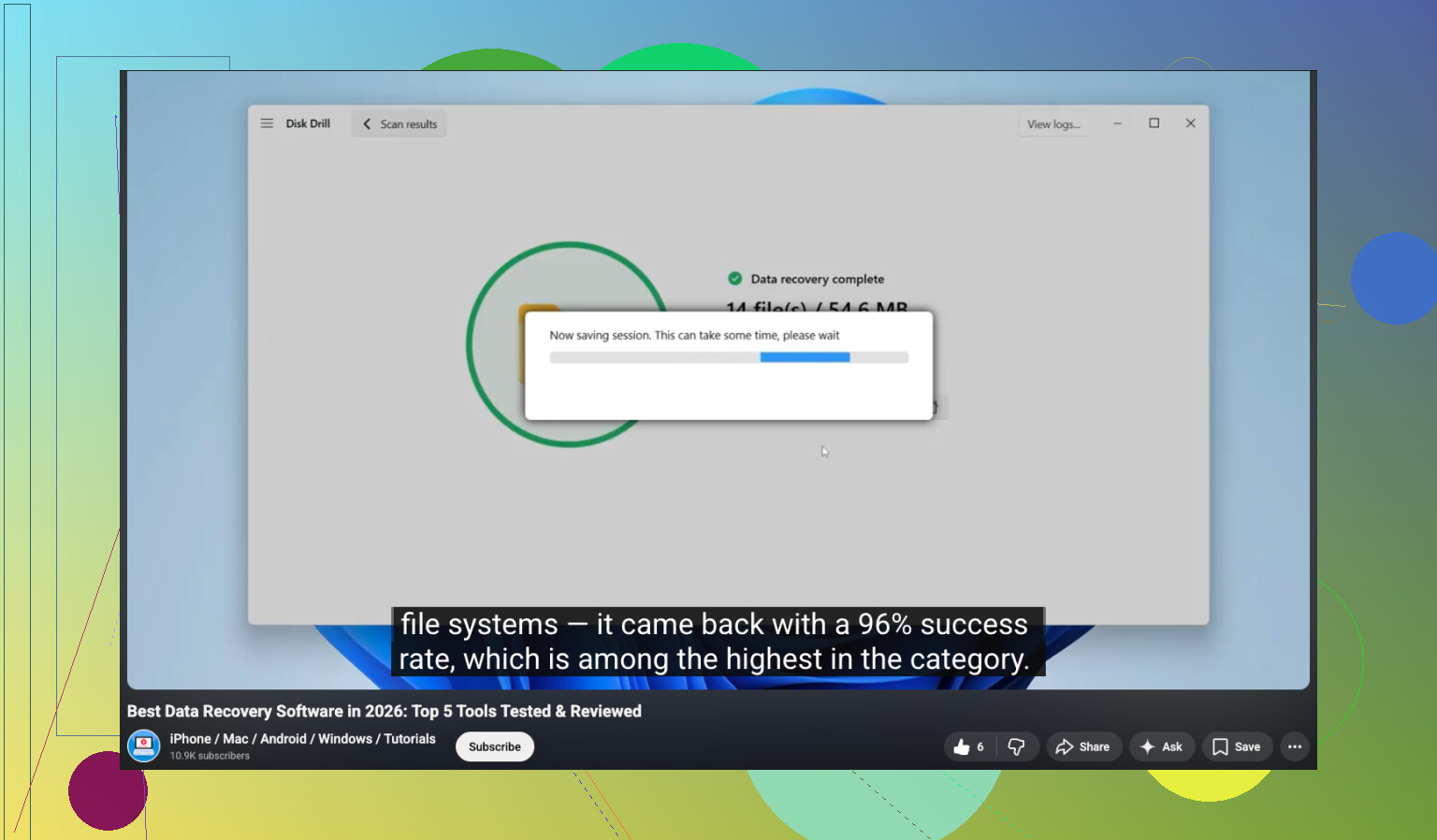
One small disagreement with @sonhadordobosque, @jeff, and @mikeappsreviewer: people focus a lot on “deleted files,” but USB sticks also die from controller weirdness, not just file system deletion. If the drive is acting slow, changing size, or randomly vanishing, recovery software might not be the real first move.
If the stick still opens normally, deleted files are often recoverable because deletion usually removes the directory record, not the data blocks right away. The catch is TRIM. Some newer USB flash drives support it, and if TRIM kicked in, recovery chances can drop hard. So yes, possible, but not automatic.
My angle:
- Check whether the files were deleted from the USB or moved somewhere else by accident
- Look at Recent Files in Word, Excel, Acrobat, Photos apps
- Search your computer for file names or extensions before assuming the USB is the only source
- If the USB is unstable, treat it like failing hardware, not a simple delete case
About Disk Drill:
Pros:
- easy to use
- good previews
- handles common USB file systems well
- can find both deleted files and lost partitions
Cons:
- deeper scans can take a while
- free recovery limits depend on platform
- raw recovery results can still be messy with lost filenames
So yeah, Disk Drill is a sensible option, just not magic. If the files are business-critical and the drive is physically flaky, I’d skip repeated DIY scans and consider a lab before the stick gets worse.