I lost the original remote for my Sharp TV, and now I need a universal remote that will actually work with it. I’ve tried a couple of basic options, but I’m having trouble with setup and compatibility. Looking for advice on the best universal remote for a Sharp TV and how to program it.
Sharp TVs do work with a universal remote, but the answer changes with the TV you own. I ran into this with an older Sharp in one room and a newer smart model in another. Same brand, different result.
If your Sharp set runs Android TV, Roku, or Fire TV, I had good luck with TVRem on iPhone. It handled the usual stuff without fuss, moving around menus, changing volume, pausing video, and typing with the phone keyboard, wich saved me a lot of time.
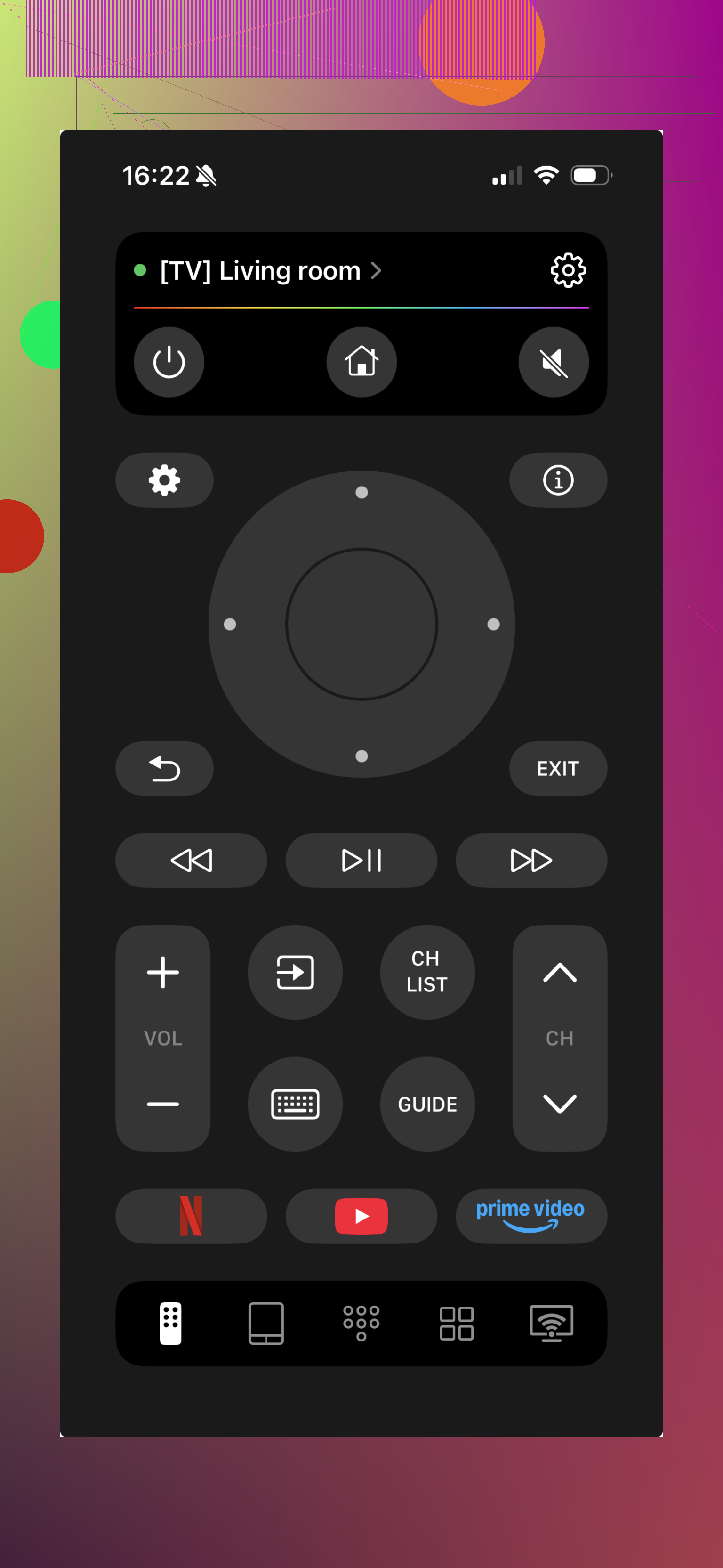
For me, the phone app felt quicker than the plastic remote. Search boxes were the big one. Typing movie names with arrow keys gets old fast. On the phone, I typed normally and moved on. I also liked having TVRem app handle more than one TV, since I hate keeping track of extra remotes around the house.
6 Likes
First, check what kind of Sharp TV you own. Sharp used a few different platforms, and universal remotes fail when the TV type gets guessed wrong.
Here’s the simple path.
- Find the model number on the back of the TV.
- Check if it says Roku TV, Android TV, Aquos, or Fire TV.
- Buy a remote with Sharp codes listed, not a no-name remote with vague “supports most TVs” text.
What worked for me was a One For All remote. Their code library is bigger than the cheap $10 remotes from walmart bins. GE remotes are hit or miss. I’ve had two. One synced fast, one was a pain and still missed menu buttons.
If your Sharp is an older Aquos, an IR universal remote is the safest bet. If your Sharp is a smart TV, some functions need a remote made for that system. Example, a Sharp Roku TV works best with a Roku-compatible remote, not a generic TV remote. Volume and power might work, home/menu often wont.
I slightly disagree with @mikeappsreviewer on using a phone first. It’s fine if your TV is already on the same network, but if the TV is offline or stuck on the input screen, a physical remote saves time.
Best physical options:
- One For All URC series
- GE 33709 or similar, if your model is older
- A replacement remote made for Sharp TV models, often easier than “universal”
If setup keeps failing, use direct code entry, not auto-scan. Auto-scan takes forever and misses stuff.
I’d actually lean a little away from “universal” if your Sharp is being picky. @voyageurdubois is right that platform matters, but in practice the least annoying option is often a model-specific replacement remote for Sharp, not a universal one. Sounds boring, works better.
A few things people don’t always mention:
-
Sharp made a lot of rebranded sets
Some “Sharp” TVs were built by different companies depending on year/model, so the code list can be weirdly inconsistant. -
Menu/Home/Input buttons are the dealbreaker
Cheap universal remotes usually nail power and volume, then completely whiff on the buttons you actually need. -
If your TV has no network setup yet, I agree with the part about a physical remote mattering more than a phone app. @mikeappsreviewer’s app idea is handy later, but not always first.
What I’d do:
- Search your exact TV model + “replacement remote”
- Check photos to match the original button layout
- Buy from somewhere with easy returns
If you still want universal, skip the ultra-cheap bins and get SofaBaton or One For All. They tend to be less janky. The $8 ones are basicly a coin flip.