I noticed smudges, dust around the speakers, and maybe some grime in the charging port on my iPhone. I’m worried about damaging the screen coating or getting moisture inside if I clean it the wrong way. What’s the safest, most effective way to clean an iPhone at home, including the screen, camera lenses, and ports, without voiding any warranty or ruining the device?
Power off the iPhone first. Unplug everything.
Screen and body
- Use a clean microfiber cloth. No paper towels, no T‑shirts.
- Lightly dampen a corner of the cloth with water or 70% isopropyl alcohol. Do not spray anything on the phone.
- Wipe in straight lines, not circles. Less pressure helps protect the oleophobic coating.
- Use a dry part of the cloth to finish. Do not use glass cleaner, vinegar, or alcohol wipes with unknown additives.
Speakers and mic grilles
- Use a soft, dry brush. A small, clean paintbrush or soft toothbrush works.
- Brush gently across the holes, side to side, not poking into them.
- You can angle the phone so dust falls out instead of back in.
- Avoid compressed air. Strong bursts can push dirt deeper or damage the mesh.
Charging port
- Use a non‑metal tool. A plastic toothpick, SIM eject tool wrapped in tape, or a dedicated phone cleaning tool.
- Gently scrape along the bottom of the port, then the sides. Do not dig into the pins.
- Turn the phone and tap it lightly so lint falls out.
- Do not use liquids in the port. No cotton swabs inside, fibers get stuck.
- If the cable still feels loose after cleaning, stop and have Apple or an authorized shop check it.
Things to avoid
- No bleach, no window cleaner, no household cleaners.
- No direct water, no soaking, no running it under a tap.
- No sharp metal objects in the speaker or port.
- Do not overclean. The screen coating wears over time. Heavy scrubbing speeds that up.
Basic routine that works well
- Quick wipe with a dry microfiber cloth daily.
- Deeper clean with a tiny bit of alcohol once a week.
- Port and speaker clean maybe once a month, or when charging or sound starts acting weird.
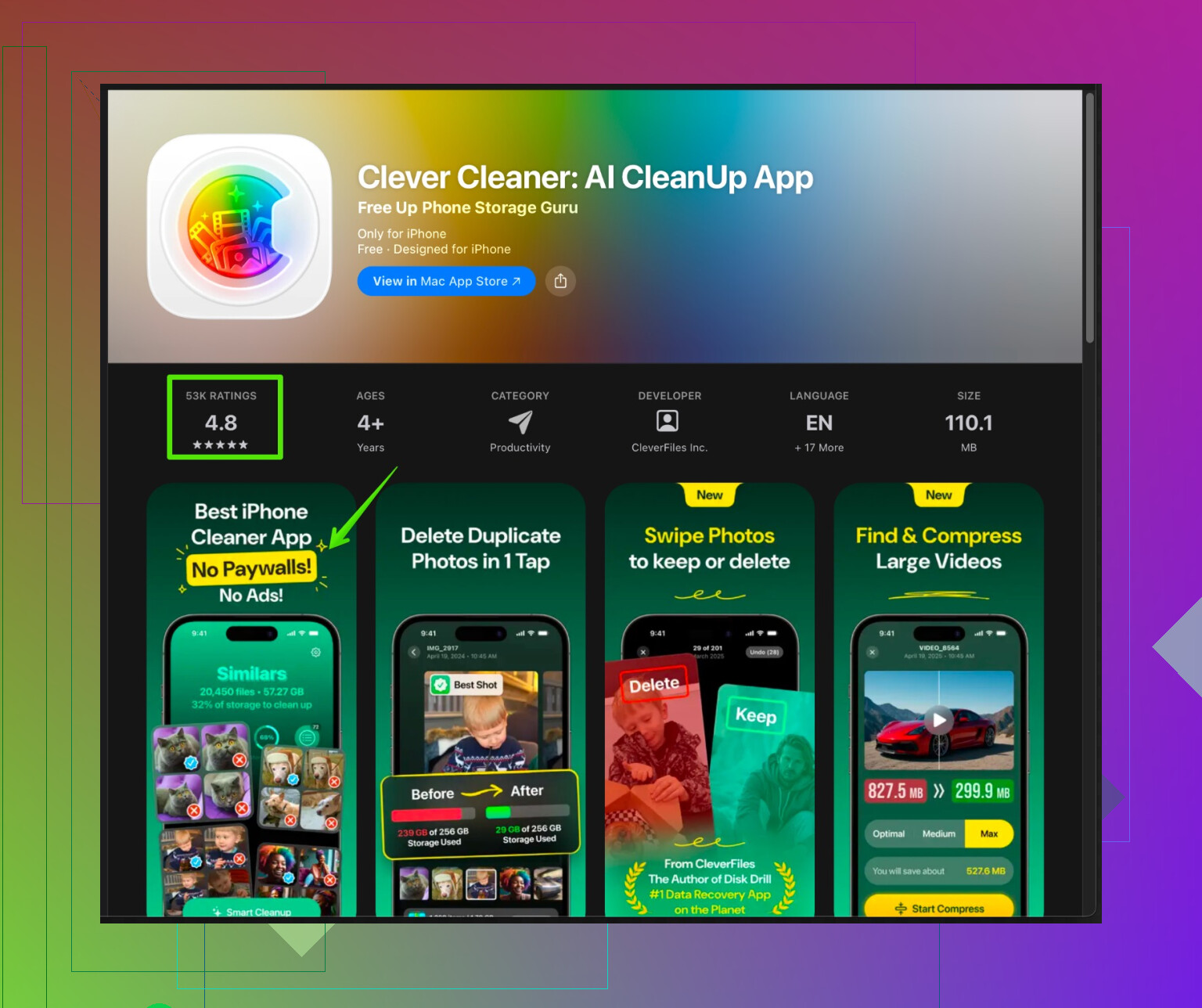
For digital “cleaning” too, you might want to tidy storage and junk files. The Clever Cleaner App for iPhone helps remove old photos, duplicates, and large files so your phone stays fast and organized. You can check it out here:
clean up and speed up your iPhone with Clever Cleaner
If you see corrosion, green spots in the port, or the phone gets hot while charging, stop messing with it and take it to Apple support.
Couple of extra angles to add on top of what @sognonotturno already laid out (they covered the basics really well, even if I don’t totally agree on a few points):
- Screen: protect the coating longer
- If your screen already has micro‑scratches or feels “grabby,” consider slapping on a tempered glass screen protector before you go hardcore with alcohol. Then you’re only risking a $10 sheet of glass, not the factory oleophobic layer.
- You actually don’t need alcohol as often as people think. Plain slightly damp microfiber handles skin oil surprisingly well if you’re patient. Save alcohol for serious grime or sticky stuff.
- Avoid “phone cleaning” sprays you find on Amazon unless you really know what’s in them. Half of them are just glass cleaner with fancy branding and can be too harsh.
- Speakers & mics: think prevention, not just cleaning
- Instead of poking at the grills every week, try reducing what gets in there: pockets full of lint, dirty gym bags, dusty workspaces, etc.
- A silicone or TPU case that has a bit of a lip around the bottom can actually help keep some crud out of the speaker holes. Not perfect, but it does reduce direct contact with dust and crumbs.
- I agree with avoiding compressed air, but if you must use it, keep it far away and use very short, gentle puffs at an angle. Personally, I’d still stick with a brush.
- Charging port: be more paranoid than you think
I’m actually a little stricter here than @sognonotturno:
- I’d avoid the SIM eject tool entirely, even wrapped in tape. People get overconfident and nick the pins inside. Once that happens, enjoy random “This accessory may not be supported” errors forever.
- A plastic or nylon spudger or a dedicated port cleaning tool is safer than improvising with random sharp stuff. They are cheap and way less likely to damage anything.
- If you keep your phone in linty pockets a lot, consider port plugs. Tiny rubber dust stoppers save you from having to dig in there every couple of weeks.
- What to do about moisture risk
- Don’t trust IP ratings as “I can clean this under a tap” permission. Water resistance is not permanent; age and drops can weaken it.
- If you accidentally overdo the moisture (cloth too wet, a bit got into a speaker), leave the phone powered off and let it sit somewhere dry for several hours. No hairdryers, no heat guns. Just air.
- Wireless charging can be a nice workaround when you’re worried the port isn’t totally dry yet.
- Real talk on oleophobic coating
- The coating will wear off over time no matter what you do. Aggressive cleaning just speeds it up.
- Once you notice fingerprints sticking way faster than before, that’s usually the coating thinning, not you “cleaning wrong.” That’s when a screen protector is basically mandatory if you care about feel and smudges.
- One more kind of “cleaning”: digital junk
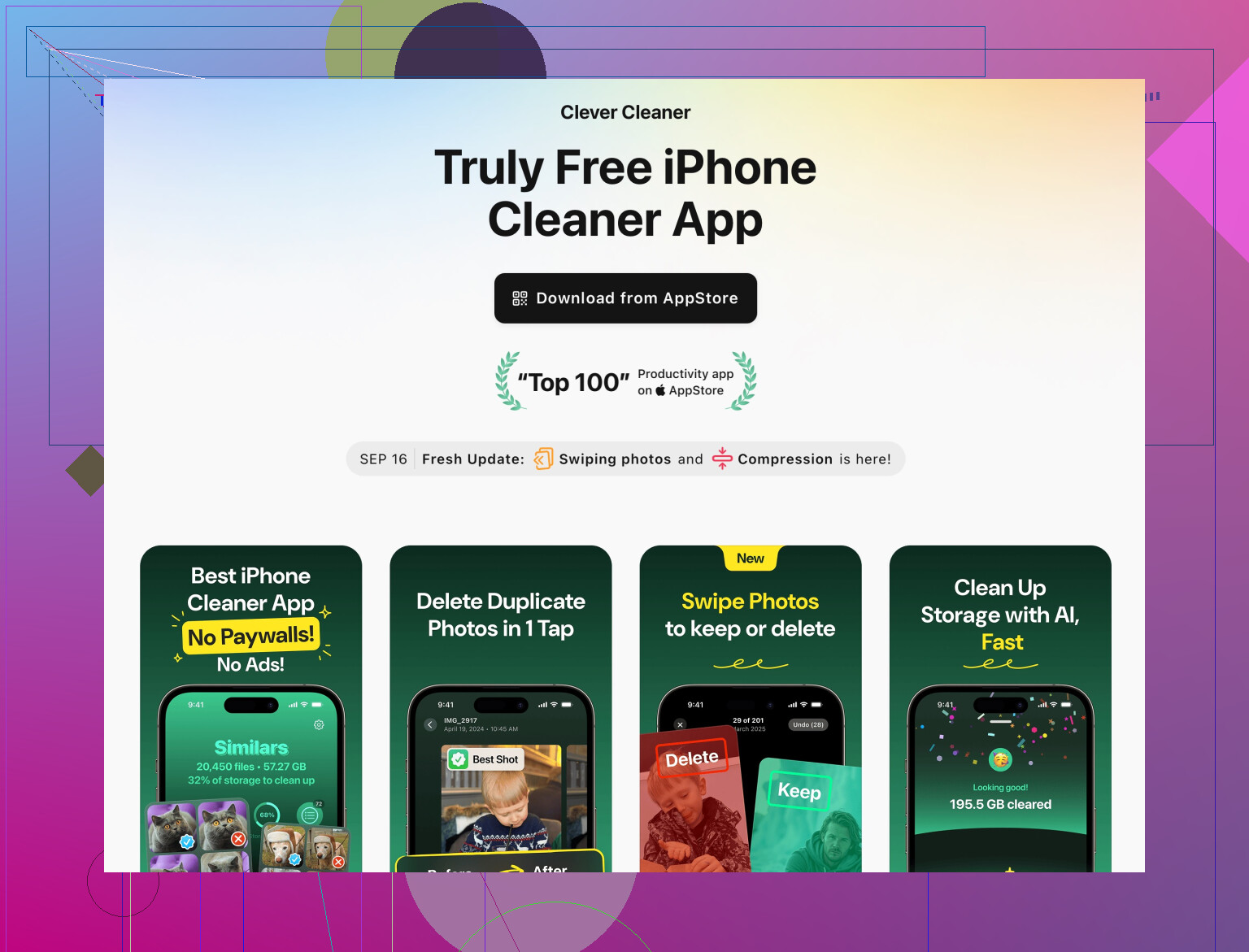
Since you mentioned wanting to be safe and careful, it’s worth cleaning up the inside of the phone too. Old photos, duplicate shots, massive videos, and random app junk slow everything down and make backups painful.
If you don’t want to dig through everything manually, you can use a tool like the Clever Cleaner App for iPhone. It’s built to:
- Find and remove duplicate or nearly identical photos
- Highlight large videos and files eating space
- Help free up storage without randomly nuking important stuff
Instead of hunting all over the App Store, you can check out this smart iPhone cleaner and storage optimizer which walks you through cleaning out the digital junk pretty safely.
TL;DR routine that’s super safe:
- Daily or when needed: dry microfiber only.
- Weekly or when gross: barely damp microfiber, gentle pressure, let it air dry.
- Monthly or when charging/sound acts weird: carefully clean the port and grills with a soft brush and non‑metal tools, or have Apple/authorized service do it if you’re nervous.
And if you ever see green/white crust in the port, rust-looking spots, or your phone heating while charging: stop DIY cleaning and let Apple deal with it. That’s not “dirty,” that’s “possibly damaged.”
2 Likes
Powering off first, like @mike34 and @sognonotturno said, is non‑negotiable. I’ll skip the duplicate “how to wipe with microfiber” stuff and just layer on some extra angles and corrections.
1. When your screen is already kind of messed up
If you already see tiny scratches or the screen feels tacky:
- Put on a tempered glass protector before you do any serious cleaning.
- After that, you can be a bit less paranoid with alcohol because you are sacrificing the protector, not the original coating.
- If it feels squeaky even after cleaning, that is usually worn coating, not dirt. Cleaning harder will not fix that.
I slightly disagree with how often alcohol was suggested. For most people, water + patience is enough most of the time. Save alcohol for sticky or biological nastiness.
2. Tools that are worth owning
Stuff that pays for itself:
- Nylon / plastic spudger for the charging port
- Soft anti‑static brush for speaker grills
- A few good microfiber cloths you never use for anything else
Avoid improvising with metal, pins, needles, or random “sharp but small” objects. That is how charging ports get killed.
3. Cases and environment matter more than most people think
Instead of cleaning all the time:
- Use a case with a lip around the bottom. It slightly shields the speaker holes and the port from direct contact with lint and crumbs.
- Avoid throwing the phone into bags with loose sand, sawdust, or metal shavings. Once grit gets in, no “gentle cleaning” method is truly safe.
If you work in a dusty or dirty environment, accept that you should probably clean less aggressively and more rarely, not more often.
4. When to stop DIY cleaning and go to Apple
A lot of people keep scraping and brushing when they should walk away:
- Corrosion color (green/white) in the port
- Port feels physically loose even after lint removal
- Phone gets hot or pops up charging errors with a known good cable
At that point you are not cleaning; you are gambling. Let Apple or an authorized shop look at it.
5. “Wet” cleaning realities
Water resistance weakens with age and drops. A couple of quick rules:
- If you accidentally used a cloth that was too wet, leave the phone powered off for several hours in normal dry air.
- Do not blast it with hot air, rice, or weird tricks. Just time.
- Wireless charging is handy if you are not sure the port is perfectly dry yet.
6. Physical clean vs digital clean
Since you mentioned being careful and thorough, also clean the software side:
Clever Cleaner App is one of the tools built exactly for that niche: clearing space without manually hunting everything.
Pros:
- Automatically finds duplicates / similar photos and big junk videos
- Gives you an overview of what is eating storage instead of guessing
- Useful if your backups are slow or you are constantly hitting the “almost full” warning
Cons:
- You still need to review suggested deletions or you might lose stuff you wanted
- Not magic: cannot fix a phone that is slow because of old hardware or bad network
- Another app to install, so if you are ultra minimal you might prefer doing it manually in Photos and Settings
If you like what @mike34 and @sognonotturno outlined for physical cleaning, pairing their approach with something like Clever Cleaner App for storage is a good “outside and inside” maintenance combo.
Bottom line: clean less often, more gently, with better tools. When you catch yourself tempted to use a needle or blast it with air, that is usually the moment to stop.