I’m trying to decide between NetSpot and Ekahau for doing WiFi signal strength surveys in a mixed home and small office setup. I need to troubleshoot weak spots, overlapping channels, and roaming issues for multiple access points without spending more than I have to. If you’ve used either or both tools, which would you recommend, what are the key differences in real-world use, and is Ekahau overkill compared to NetSpot for this kind of environment?
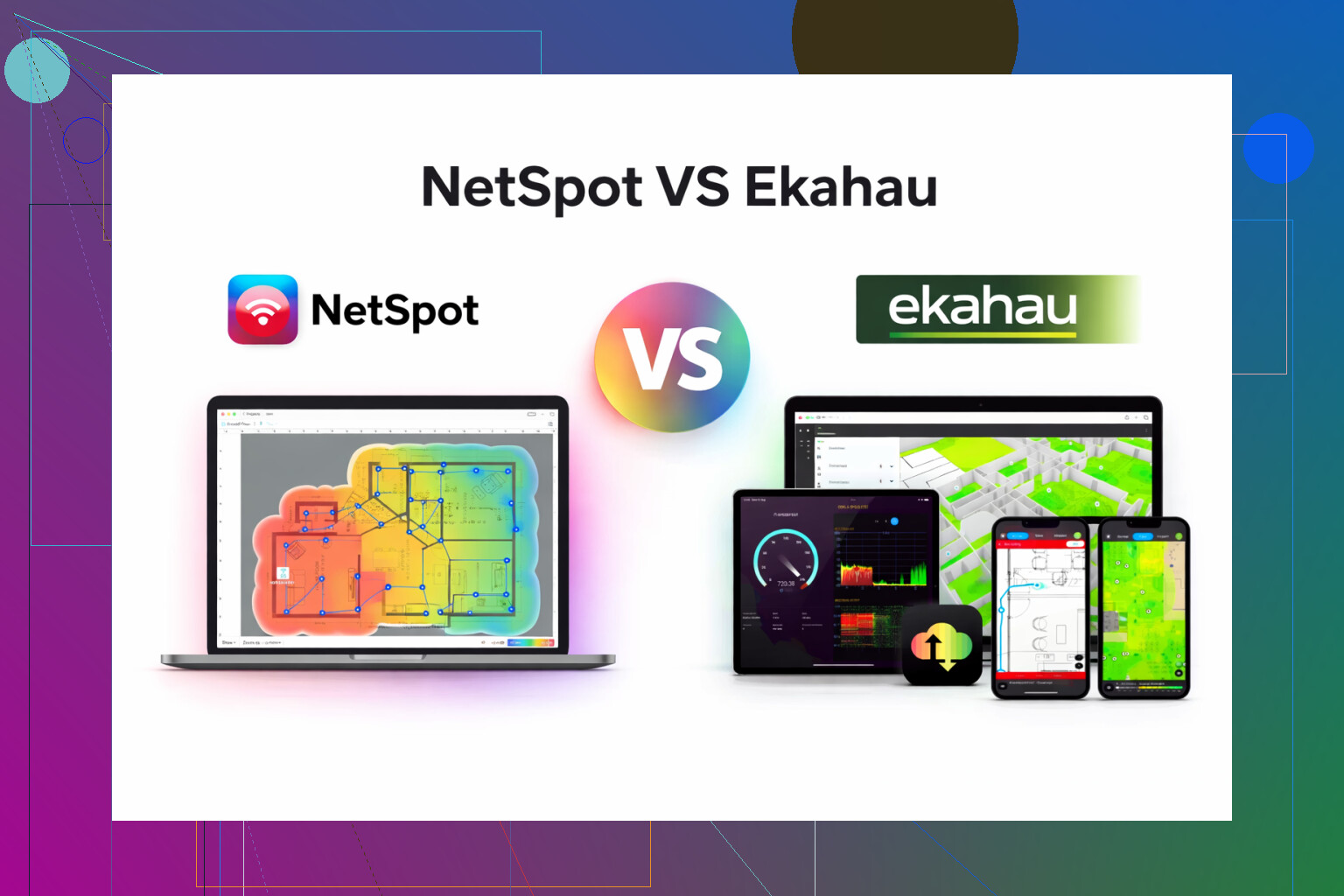
I bounced between Ekahau and NetSpot for a while for Wi-Fi surveys, so here is how it went for me, without the marketing fluff.
Ekahau first. It does a lot. Too much for what I needed. It felt built for people doing stadiums, hospitals, airports, those kinds of projects with big teams and big budgets. The license price hit like a truck, and on top of that I had to spend time learning features I never touched in normal day to day work.
NetSpot was the one I ended up keeping on my machine.
Here is why:
-
Cost and licensing
Ekahau made sense only if Wi-Fi design is your main job and the company is paying. For my kind of work, SMB offices, warehouses, some campus buildings, the cost did not line up with the projects. NetSpot was closer to “buy it, use it, move on”, instead of “justify this tool to finance every year”. -
Learning curve
With Ekahau, I had to watch long training videos, read docs, set up project templates, tune the views, all of that. Once it is dialed in, it is great, but the ramp-up was slow.
With NetSpot, I installed it and was collecting data in under an hour. Walk the site, hit start, walk the path, get a heatmap. No weird ritual around it. -
Features that actually mattered
What I used all the time:
• Heatmaps for signal strength
• Signal to noise
• Channel overlap
• Dead zone spotting
• Quick before/after checks when moving APs
NetSpot handled those without drama. I did not need advanced capacity planning, collaborative cloud projects, or tight integration with specific enterprise vendors. If you do large multi-site designs, you may miss those. For single-site or a few buildings, I did not.
- Types of jobs where NetSpot made sense
These are real things I used it for:
• Cleaning up Wi-Fi in a small office that grew from 2 APs to 10 with no plan
• Checking coverage in a 2 story house where the owner kept adding mesh units everywhere
• Warehouse with metal racks where random aisles had trash coverage
• Small co-working space with multiple SSIDs and mystery interference
In all of these, the workflow was simple. Quick passive survey, look at heatmaps, adjust AP placement or channel plan, resurvey. NetSpot handled it fine.
- Where Ekahau would still win
I would lean to Ekahau if:
• You do greenfield design for large, critical environments
• You need detailed capacity modeling per client type
• You work in a team that shares project files and standard templates
• Your employer already uses Ekahau and expects those project outputs
So for my use, NetSpot ended up being the more sensible pick. It did the work I needed without turning into a “whole thing”.
If you want to check what I am talking about, this is the app:
There is also a short video walkthrough here, which is close to how I use it in practice:

17 Likes
For home plus small office, you are squarely in the overlap where both tools work, but the tradeoffs are pretty clear.
I agree with a lot of what @mikeappsreviewer said, but I do not see Ekahau as “only big stadiums and hospitals”. It is also nice if you want to grow into more serious WiFi work, or you like very controlled, repeatable surveys.
Practical breakdown for your use case:
- Your actual needs
You said: weak spots, overlapping channels, roaming for multiple APs.
For that you need:
• Passive survey with heatmaps for RSSI and SNR
• Channel usage view for 2.4 and 5 GHz (and 6 if you have WiFi 6E)
• Ability to walk the space a few times and compare “before / after”
Both NetSpot App and Ekahau do this fine.
- How they fit your scenario
Home plus small office, maybe 5 to 15 APs total:
NetSpot App
• Faster to get going, less setup
• Good for one person, one laptop, local files
• Clear signal strength, noise, channel overlap maps
• Enough to tune channel plan and AP placement
• One time license feels better if you are not billing clients
Ekahau
• Stronger on multi floor and multi building layouts
• Better for predictive design if you plan to add more APs later
• Roaming analysis is more detailed if you pair it with Ekahau Sidekick, but that adds cost
• Easier to standardize if you support several small offices and want identical report style
- Where I disagree a bit with Mike
For small warehouses or multi tenant offices with lots of clients, I found Ekahau’s capacity views useful, even on “small” jobs. If you have VoIP handsets, Zoom rooms, or a busy co working area, Ekahau helps you see if AP count and channel width make sense, not only coverage.
For a typical home and small office mix with normal laptops and phones, that level of planning often does not change the final layout, so it becomes expensive overhead.
- Roaming issues specifically
Roaming problems often are not fixed by coverage alone. Quick steps that work with either tool:
• Use surveys to find “too strong” APs where clients stick too long. Turn down transmit power on 2.4 GHz there.
• Prefer 5 GHz SSIDs. Use 20 or 40 MHz channels. Avoid 80 MHz in dense areas.
• Make sure you do not reuse the same channel on adjacent APs in the office area. NetSpot App gives a simple channel overlap view that is enough for this.
• Walk a “roaming path” with the survey tool running, then check where RSSI drops under about -67 dBm or where SNR falls under 20 dB.
For that workflow, NetSpot App is lighter and faster. Ekahau gives more knobs, but you spend more time on the project file.
- What I would pick for your described use
If WiFi work is not your main job and you want results this week, I would go with NetSpot App, do:
• One full passive survey on 2.4 and 5 GHz
• Fix channel plan based on the overlap map
• Adjust AP height and power, then resurvey key areas only
I would look at Ekahau only if:
• You plan to manage several offices long term, with frequent redesigns
• You want to move into professional WiFi design work and need the tool as part of your “stack”
For a mixed home and small office, NetSpot App hits the needs with less cost, less training, and enough detail to solve weak spots, channels, and roaming.
I’m mostly in the same camp as @mikeappsreviewer and @shizuka on this, but I’d frame the choice a bit differently for a home + small office setup.
If you strip away all the vendor fluff, you’re really choosing between:
- A “WiFi power tool” meant for career WiFi folks (Ekahau)
- A “get it done and move on with life” tool (Netspot App)
For what you described (weak spots, overlapping channels, roaming across multiple APs), both can absolutely do the job. Where I part a little from them:
1. Overkill vs future‑proofing
Ekahau is not just overkill, it’s workflow-changing. Once you’re in that ecosystem, you start designing like an enterprise WLAN engineer: predictive design, wall attenuation tuning, client capacity profiles, Sidekick hardware, etc. That’s great if you intend to:
- Make WiFi work a billable service
- Support multiple offices with formal documentation
- Justify recurring subscription costs
If your “mixed home + small office” is one environment and you’re not charging anyone for this, Ekahau is like buying a F5 load balancer to host a single WordPress blog. Yeah, it’s nice. No, it’s not rational.
2. Where Netspot App actually wins hard
The others already listed features, so I won’t repeat that. What I’ll add:
- It’s the tool that lets you iterate fast. For roaming and weak spots, fast feedback is more useful than fancy modeling.
- When you’re tweaking channel width, power levels, and AP placement, you want quick resurvey loops, not a 50‑option project wizard.
- For a home that slowly turned into a “small office with extra steps,” Netspot App’s passive survey and channel overlap heatmaps are exactly what you need to get 90% of the benefit with 10% of the effort.
I actually disagree a bit with the implication that you “might miss” Ekahau’s capacity tools at your scale. In most home / small office installs, the real problems end up being:
- APs cranked to max power so roaming sucks
- 80 MHz or 40 MHz channels slammed into crowded bands
- Too many SSIDs or dumb mesh repeats
- APs shoved in closets behind metal
None of those need enterprise‑grade capacity modeling to fix. They need sane channel planning and a couple of surveys.
3. Roaming & overlapping channel issues in your scenario
If you use Netspot App, what it’s actually good at here:
- Visualizing where AP cells overlap too much so clients cling to the wrong AP
- Showing you where 2.4 GHz is just a dumpster fire of overlapping channels so you can mostly favor 5 GHz
- Letting you walk specific “roaming paths” (hallway, between office and living area, etc.) to spot where RSSI or SNR drop hard
Ekahau will show you the same, just with more toggles and a nicer report to impress a manager you probably do not have in a home/SMB context.
4. When Ekahau genuinely makes sense for you
I’d only say “go Ekahau” if:
- You’re planning to roll out WiFi for multiple small offices and want consistent templates and reporting
- You want to learn professional WiFi design as a career move and will practice on your home + office
- You know you’ll eventually do predictive design before you buy APs, not just tune existing ones
Otherwise, you spend a lot of money to solve the same practical problems Netspot App already solves.
Bottom line for your use case
For a mixed home / small office, where the job is:
- Find weak spots
- Fix overlapping channels
- Make roaming less stupid
Netspot App is the tool that matches the job, the budget, and the time you’re actually going to spend on this. Ekahau is great, but it’s like hiring an architect to move your couch.
NetSpot vs Ekahau here is less “which is better” and more “what problem are you actually solving.”
@shizuka, @byteguru and @mikeappsreviewer already nailed the big picture, so I will zoom in on angles they did not cover much: hardware, OS, and how often you will really use this.
1. How serious is your WiFi work, really?
If your environment is:
- One home plus one small office
- Existing APs already bought
- Goal is “fix the pain” not “design a textbook WLAN”
then spending Ekahau money so you can see slightly nicer heatmaps is hard to justify. Where I slightly disagree with the others: Ekahau only starts to shine if you also invest in its ecosystem (Sidekick, training, processes). Using Ekahau without that is like buying a pro camera and always leaving it on auto.
If you are not planning to:
- Do predictive design before every deployment
- Keep formal documentation for clients
- Collaborate with other WiFi engineers
you will barely scratch what you paid for.
2. Netspot App in practice: strengths & weak points
Not repeating the workflow already described, here is a more blunt list.
Pros of Netspot App
- One‑time cost is relatively sane for home / SMB.
- Very quick first useful result. Load floorplan, walk, see coverage.
- Great for iterative tweaks: move AP, change channel, resurvey.
- Visual channel overlap is absolutely enough to fix “too many APs on channel 36” type problems.
- Good at exposing poor roaming cells: you can see where RSSI or SNR suddenly fall on your typical walking paths.
- Runs on consumer hardware. No mandatory extra analyzer gadget.
Cons of Netspot App
- Predictive design is limited compared with Ekahau. If you want to simulate 6E, wall types, client mix, it is not in the same league.
- Reporting is fine for yourself or a small client, but not at the “here’s a 40‑page design doc for a hospital” level.
- Less ideal when you manage many sites and need standardized templates and shared project repositories.
- Active survey and throughput testing are less rich than what you can orchestrate with Ekahau plus Sidekick.
- If you later become a full‑time WiFi engineer, you will probably outgrow it.
For your use case, those cons are mostly theoretical. You are fixing real problems in a living network, not building the next airport.
3. Hardware, OS and “what will annoy you later”
Something almost no one talks about:
- Ekahau really wants you to pair it with their own survey hardware for best results. Excellent accuracy, but it locks you into that path and cost.
- Netspot App is happy on a laptop with built‑in WiFi, or a decent external adapter if you want more control.
If you are on macOS in particular, Netspot App tends to feel more “native utility” and less “enterprise suite.” On Windows, both are fine, but Ekahau still expects you to treat it like a central work tool, not a “once every few months” helper.
If your survey cadence is:
- Every few months when the office complains
- Whenever you rewire or move furniture
then living inside an enterprise ecosystem like Ekahau becomes friction more than value.
4. Roaming and overlapping channels: what actually fixes them
Where I disagree slightly with the “you do not need capacity tools” point: in a very dense small office open space with lots of softphones, capacity can matter. But even there, the first 80 percent of improvement almost always comes from:
- Fixing channel width (20 MHz on 2.4 GHz, 20 or 40 MHz on 5 GHz, not 80 everywhere).
- Making sure APs at the edges are not screaming at max power.
- Reducing SSID count so beacons do not eat airtime.
- Avoiding silly AP placement like behind TVs or metal cabinets.
Netspot App gives you enough visibility to do that correctly. You walk the path, watch RSSI / SNR, see where cells overlap too much or drop off, adjust AP power and channels, then re‑check. Ekahau will show the same thing in a more detailed way, but the fix you implement is identical.
5. When Ekahau is still the rational choice
Important to admit: there are cases where going Ekahau first is smarter.
Consider Ekahau if:
- You are using this home + office as your “lab” because you intend to pivot into professional WiFi work. Then the learning curve is an investment.
- You will be responsible for several branch offices, and management expects real design docs, not quick screenshots.
- You want to do predictive design before buying new APs or moving to 6 GHz, tuning wall materials, client types, etc.
In that future‑career scenario, starting with Ekahau trains your brain to think more like a wireless engineer. Netspot App is more of a practical technician’s scanner: faster to use, less to learn, less to misconfigure.
6. How I’d decide in your specific situation
Given “mixed home + small office” and a focus on:
- Weak spots
- Overlapping channels
- Roaming problems
I would:
- Start with Netspot App and treat it as a diagnostic and tuning tool.
- Use it a few times a year whenever people complain or you change layout.
- If later you find yourself doing WiFi for more sites or as paid work, then reassess Ekahau at that point.
That way you do not lock yourself into a heavy subscription and training curve just to fix the WiFi equivalent of “some APs are too close together and misconfigured.”
In short: for what you actually need today, Netspot App is aligned with the scale, budget and amount of time you probably want to spend on WiFi, even if Ekahau is technically more capable on paper.