I’m running out of iPhone storage from photos, videos, apps, and iOS updates, and I’m trying to decide whether paying for a higher-storage iPhone is actually worth it. I’d appreciate advice from anyone who upgraded and whether it made a real difference.
If you just need more room on your iPhone, I wouldn’t jump straight to replacing the phone or trying anything risky inside it. There are easier ways to deal with storage, and for most people they make a lot more sense.
External storage is probably the cleanest fix
For photos and videos, an external drive is one of the better options. You can get iPhone-compatible flash drives that plug right into the charging port, either Lightning on older iPhones or USB-C on newer ones. Then you can move older videos, photos, and large files off the phone without losing them.
This is especially useful if you record a lot of video. Some external drives, paired with compatible apps, can even save video straight to the drive, so it never eats up your internal storage in the first place.
Just check the format before buying or using one. Your iPhone needs to support the file system, with exFAT and APFS being common safe choices.
Cloud storage works better if you want access everywhere
If you still want your stuff available from the phone without carrying a drive around, cloud storage is the other obvious route.
iCloud is the easiest one because it’s already tied into iOS. With Optimize iPhone Storage turned on, your phone keeps smaller local versions of your photos, while the full-resolution originals stay in iCloud until you open or download them.
Google Drive and Dropbox can work too if you don’t want to rely only on iCloud, but they take a little more effort to manage. They don’t fit into the Photos app as smoothly, so you’ll probably be moving and organizing files more manually.
Then clean up what’s already on the phone
After that, I’d look at what’s actually taking up space locally. Go to Settings > General > iPhone Storage first. That screen usually makes the problem pretty obvious, whether it’s photos, apps, messages, or something else.
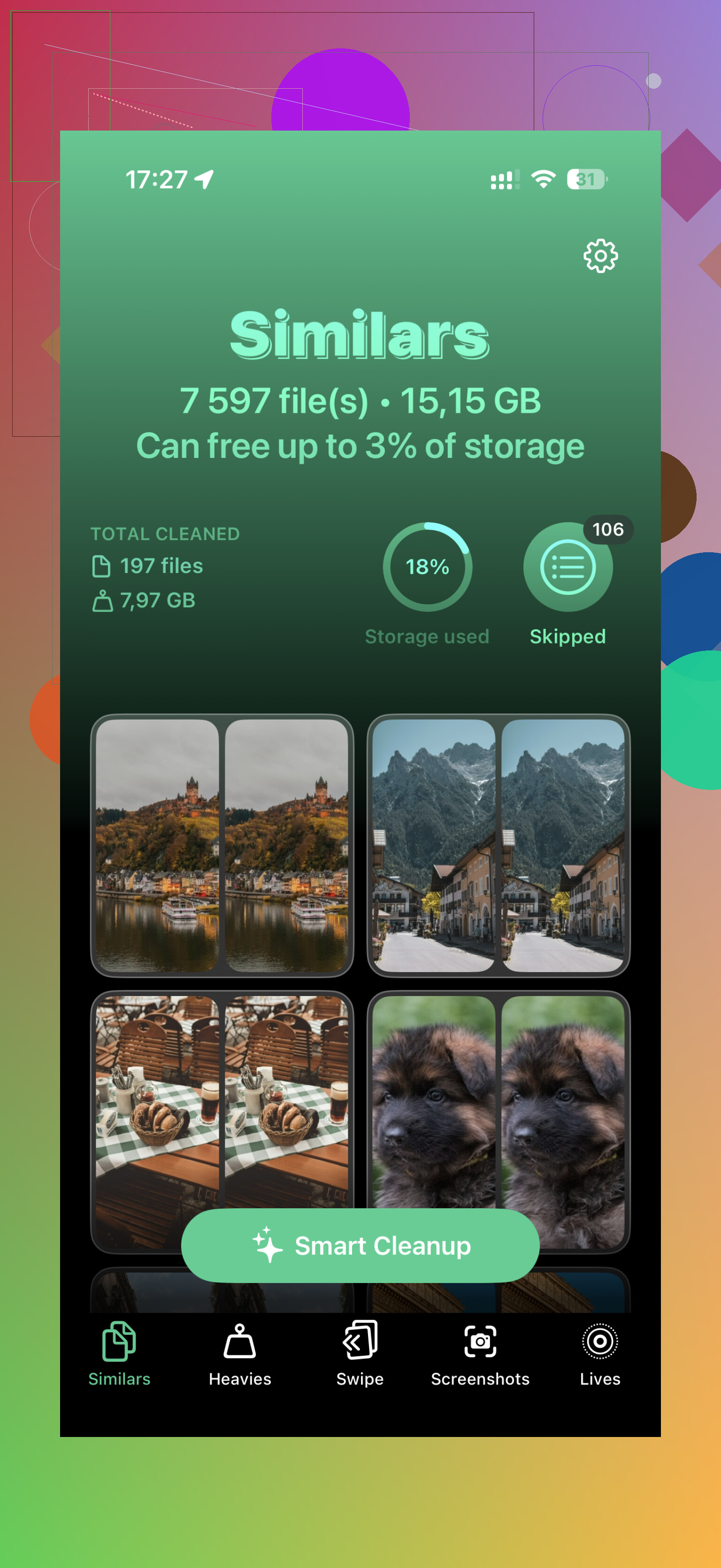
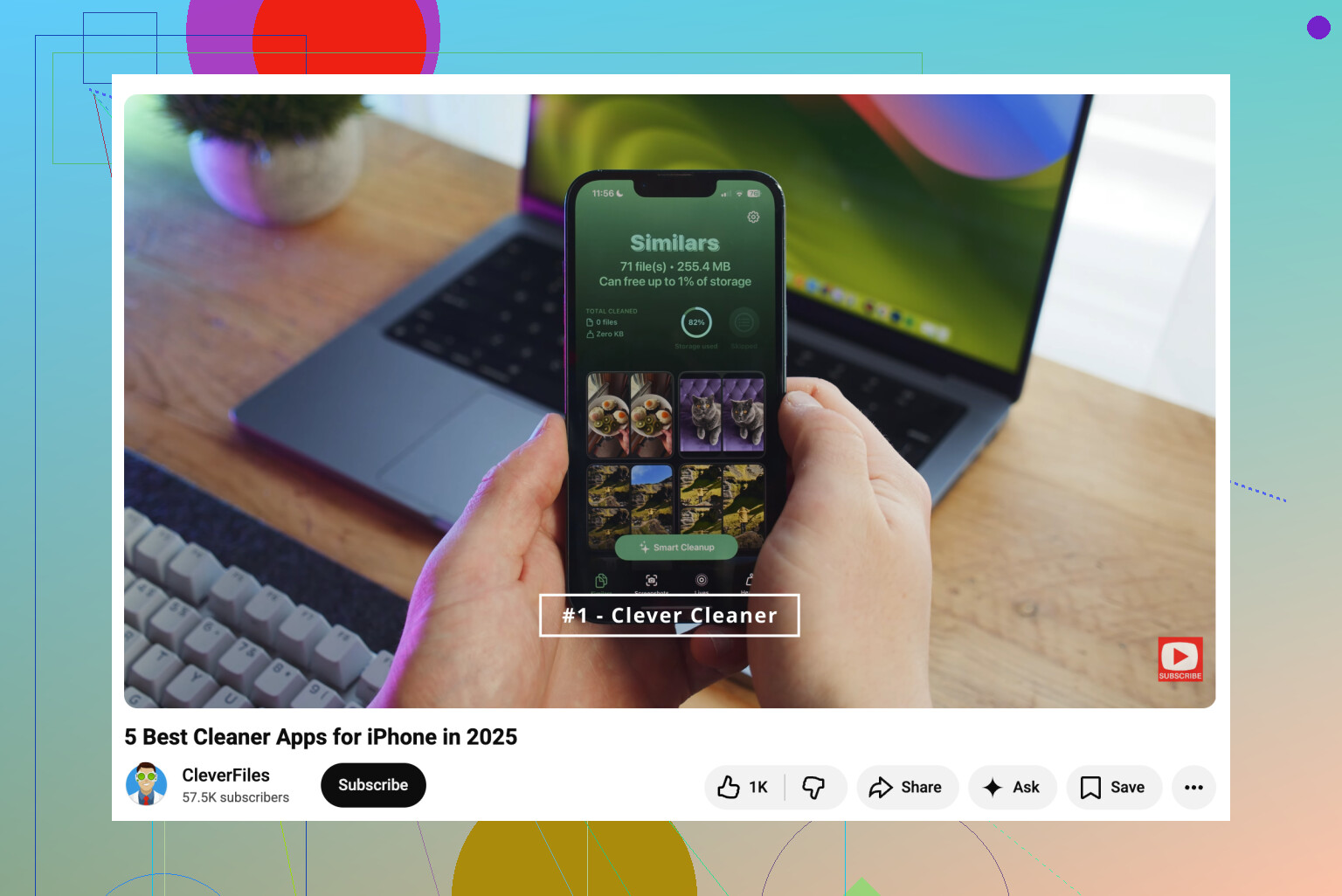
Photos are often the big one. Apple’s Duplicates album can help with exact copies, but that only catches part of the problem. A lot of wasted space comes from almost-the-same photos, screenshots, Live Photos, and oversized videos. That’s where Clever Cleaner can be useful. It groups similar shots, suggests the best one, sorts videos by size, converts Live Photos to still images, and makes screenshot cleanup faster than doing it all by hand.
Apps are another easy place to save space. If you have apps you barely use, Offload Unused Apps removes the app itself but keeps its documents and data. If you reinstall it later, your stuff comes back.
Messages are worth checking too. Old photos, videos, GIFs, and attachments can pile up for years without you noticing. Setting messages to delete after a set period can keep that from creeping back up again.
About upgrading the iPhone’s internal storage
You basically can’t upgrade it in any normal, supported way. Some repair shops and YouTube videos talk about swapping the storage chip for a bigger one, and yes, that kind of micro-soldering is technically possible. But it’s risky, specialized work, and Apple does not support it.
If something goes wrong, the logic board can be ruined. Even if it works, you’re almost certainly giving up any remaining warranty or future Apple service options.
I’d put the money toward a good external SSD or iPhone flash drive before trusting someone to replace the storage chip. The safer setup is pretty simple: keep older media on external storage, use cloud storage for anything you want available all the time, and clean up the local library now and then.
1 Like
Don’t buy the bigger iPhone just because the storage bar is red today. First figure out whether it’s a one-time mess or a permanent habit. If 40GB is old Messages attachments, duplicate videos, downloads, and apps you forgot about, cleaning it up is cheaper than paying Apple for storage you may not need. But if you shoot lots of 4K video, keep offline music/maps, or plan to keep the phone 4+ years, then yes, the next storage tier is usually worth it because iOS updates and “System Data” always seem to want breathing room. I’d skip any internal chip upgrade idea completely. Treat iPhone storage as fixed from the day you buy it.
A 128GB phone that’s always at 95% full feels very different from a 256GB phone with 80GB free after two years. If you’re buying a new iPhone anyway, I’d usually pay for the next storage tier before paying for a color, case, or other nice-to-have, because low storage makes the whole phone annoying: failed updates, apps dumping cache, photos not saving, constant cleanup. But I wouldn’t replace a working phone just for storage unless you’ve already cleaned Photos, Messages, and big apps and it fills back up again within weeks. External drives are fine for archiving, but they’re clunky as a daily fix. For me the real test is whether you want everything local and offline. If yes, buy more storage next time. If you’re fine with iCloud Photos and deleting junk occasionally, save the money.
Expect to pay for convenience, not a magic performance upgrade. If you hate managing files, buy the larger storage next time, but if you’re already okay with cloud photos and occasional cleanup, the extra money is mostly buying you fewer annoying storage warnings, not a different phone.